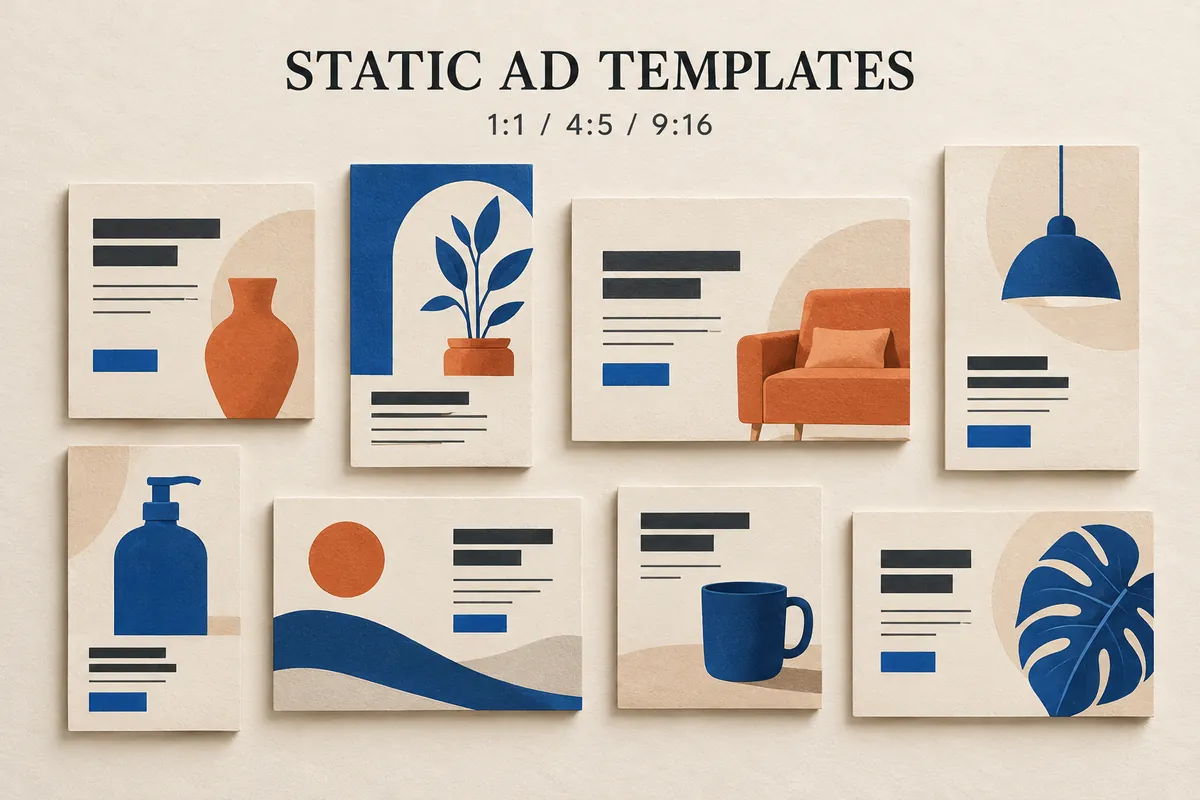
Static Ads Templates
20 static ads templates by placement and goal — 1:1, 4:5 and 9:16 layouts with text-safe guidance, plus how to adapt them for your brand.
Choose static ads templates by deciding the placement first, dimensions second and layout third. This collection contains 20 free layouts for product introductions, promotions, comparisons and customer reviews. Square feed ads and full-height Stories need different space for words, even when selling the same item. Each template includes a preview, actual pixel dimensions and guidance for placing copy away from the edges. Choose a PNG reference or an editable SVG, then replace the labeled areas with your own images and message. These are composition guides to adapt, rather than finished brand advertisements.
Choose static ads templates by size
1:1 — square feed layout
Square static ads templates use 1080×1080 here. Keep one product recognizable and the headline short for a feed creative. Avoid squeezing a paragraph into the bottom edge; start with the marked 72px margin and inspect the placement preview.
4:5 — portrait feed layout
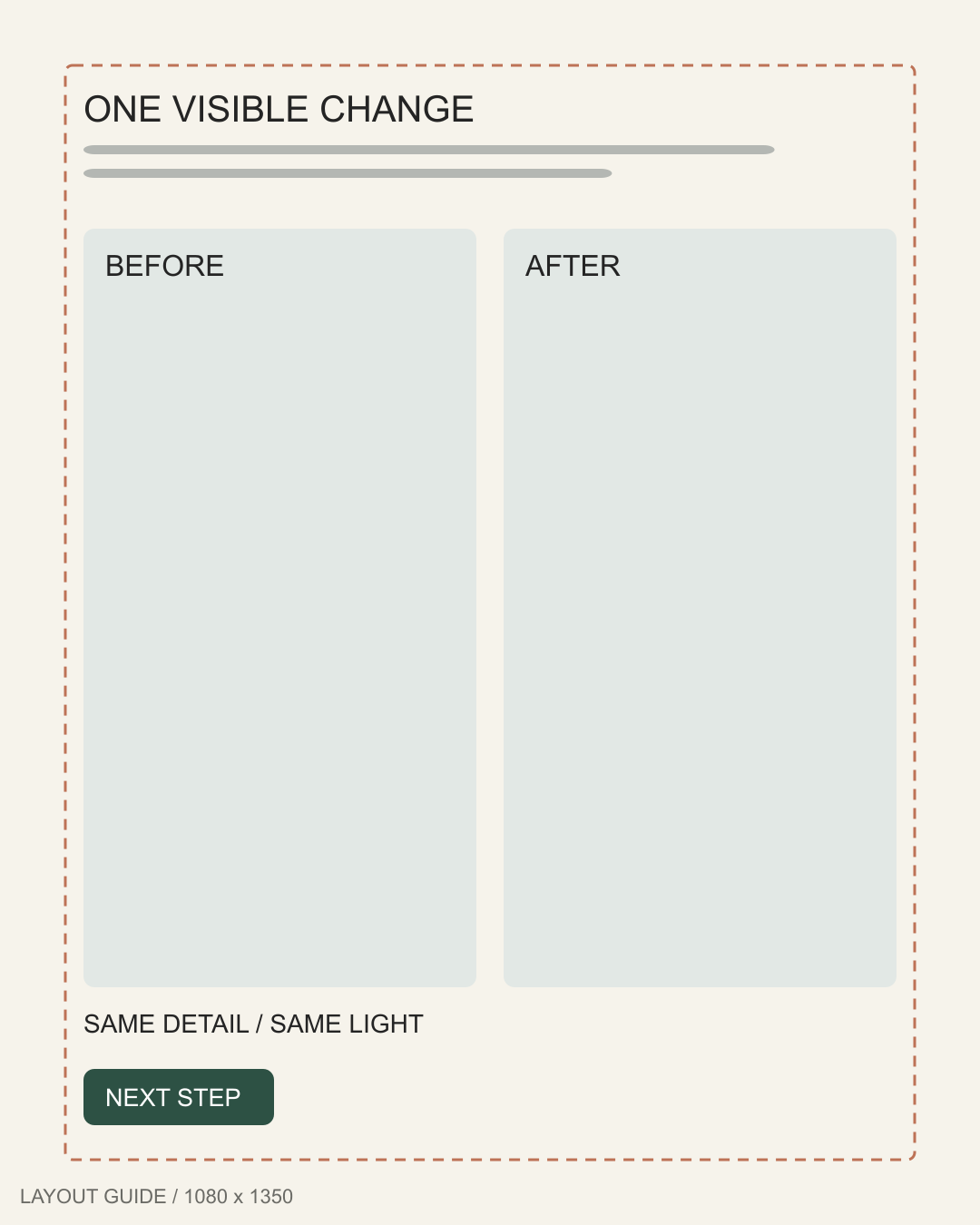
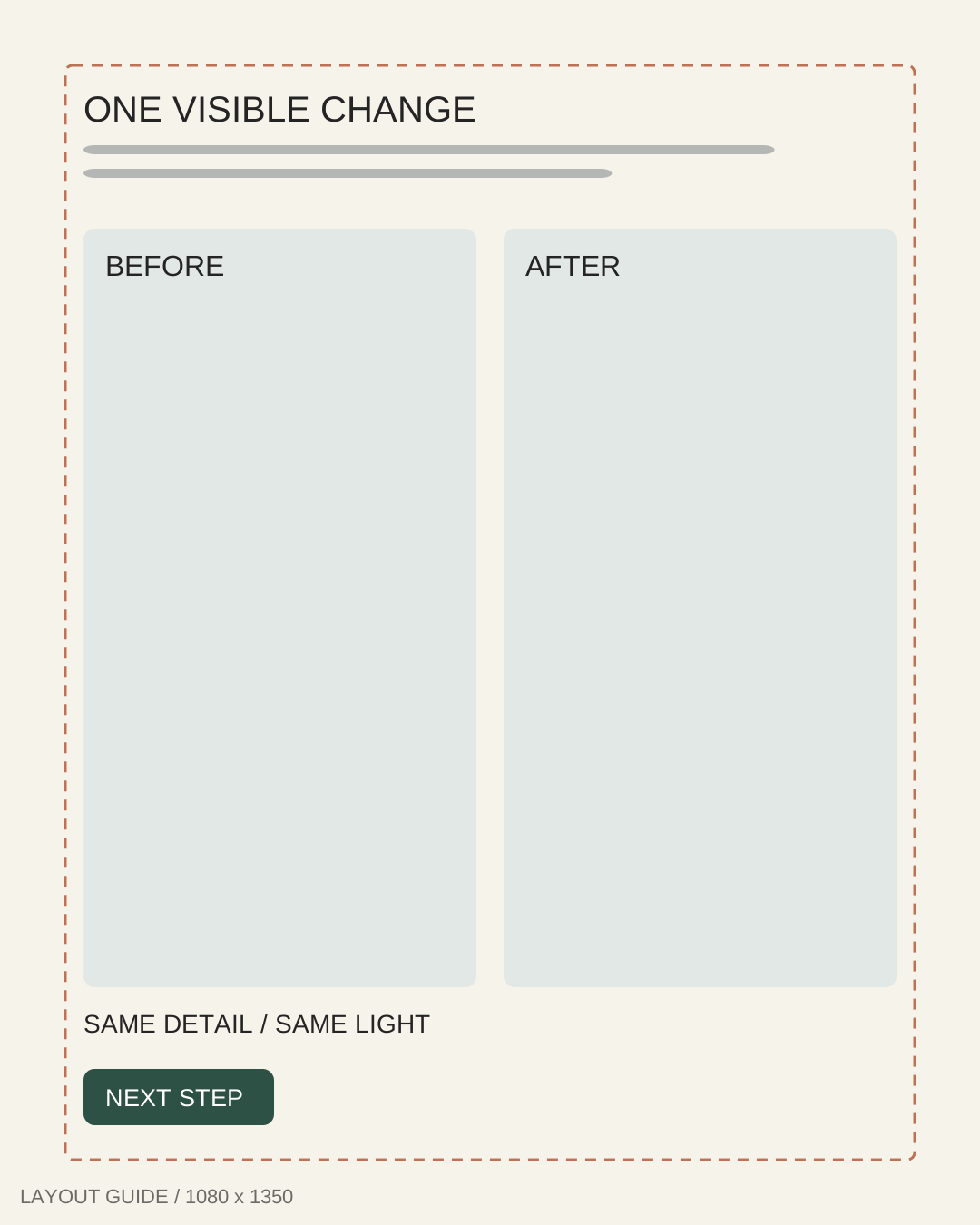
Portrait static ads templates use 1080×1350 to separate the image and message vertically. Use the height to improve hierarchy. Simply cropping a square design can cut off a headline or leave purposeless gaps; rearrange the elements.
9:16 — Stories and Reels planning
Full-height static ads templates use 1080×1920 here, with room for interface overlays. Confirm that your placement accepts an image, then inspect its crop. TikTok provides format-specific safe-zone guidance; one margin cannot cover every interface.
16:9 — landscape creative
Landscape static ads templates use 1600×900 here. For display banners, Google's uploaded display ads use specified dimensions such as 300×250 or 728×90. Adapt and export separately for your placement.
20 static ads templates
Browse static ads templates by the job your creative needs to do. Dashed windows suggest starting margins; dimensions describe the full-size files. Recheck overlays and readability before publishing these digital ad templates.
Single product hero
Product-focused static ads templates give one item the largest visual area, with room for a single buying reason.
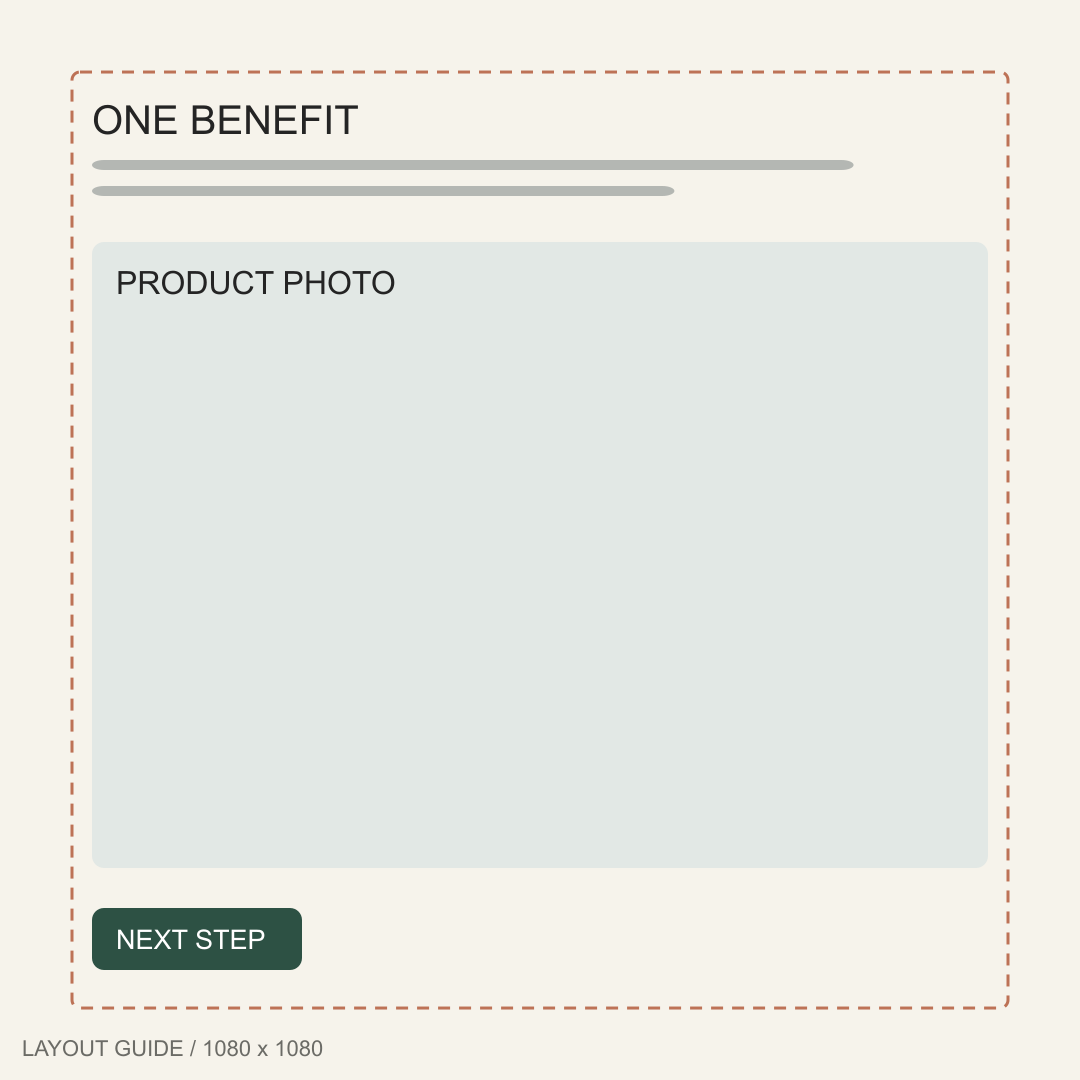
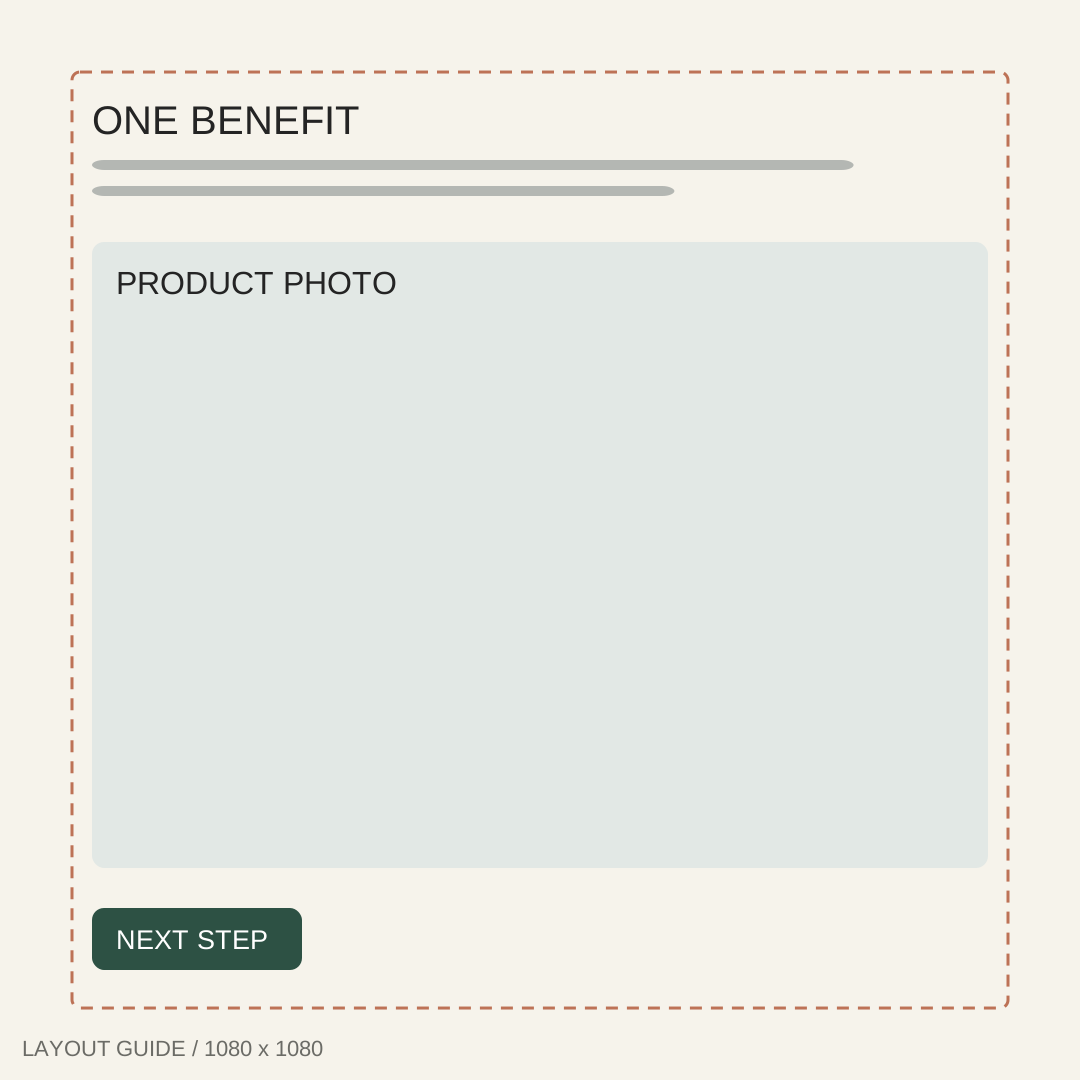
1. Centered product ad template
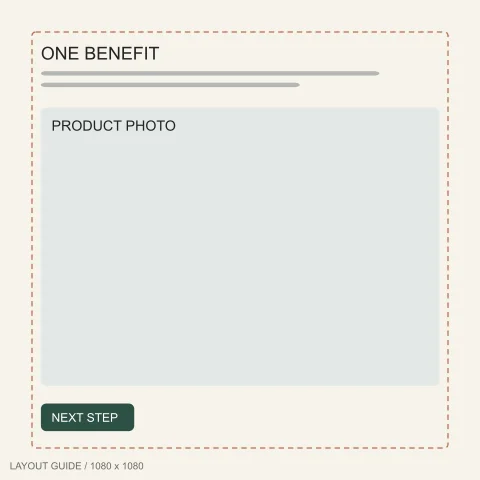
1080 × 1080 px
Best for: One recognizable product with a short, specific buying reason.
Text-safe zone: Headline above the image; 72px outer margins.
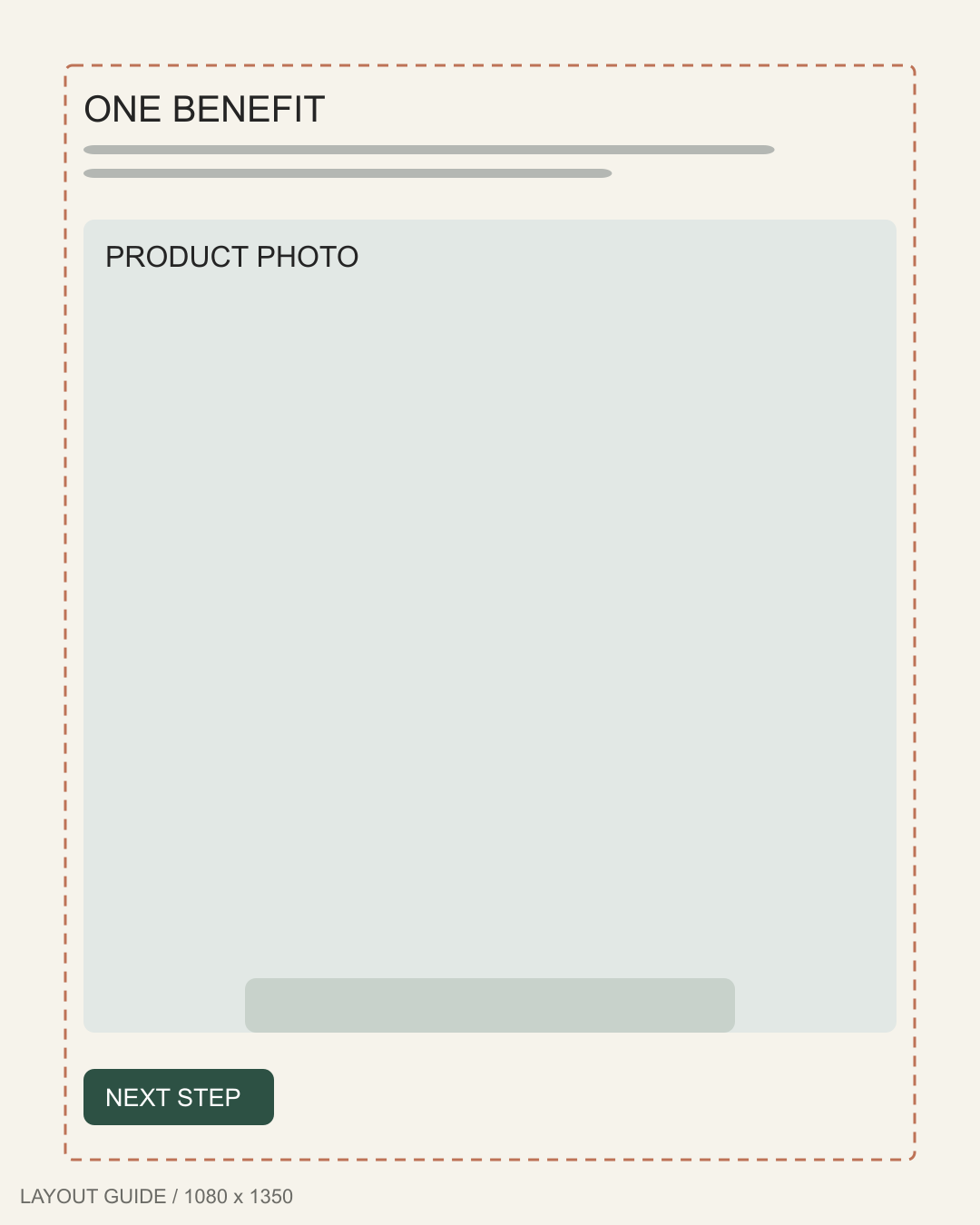
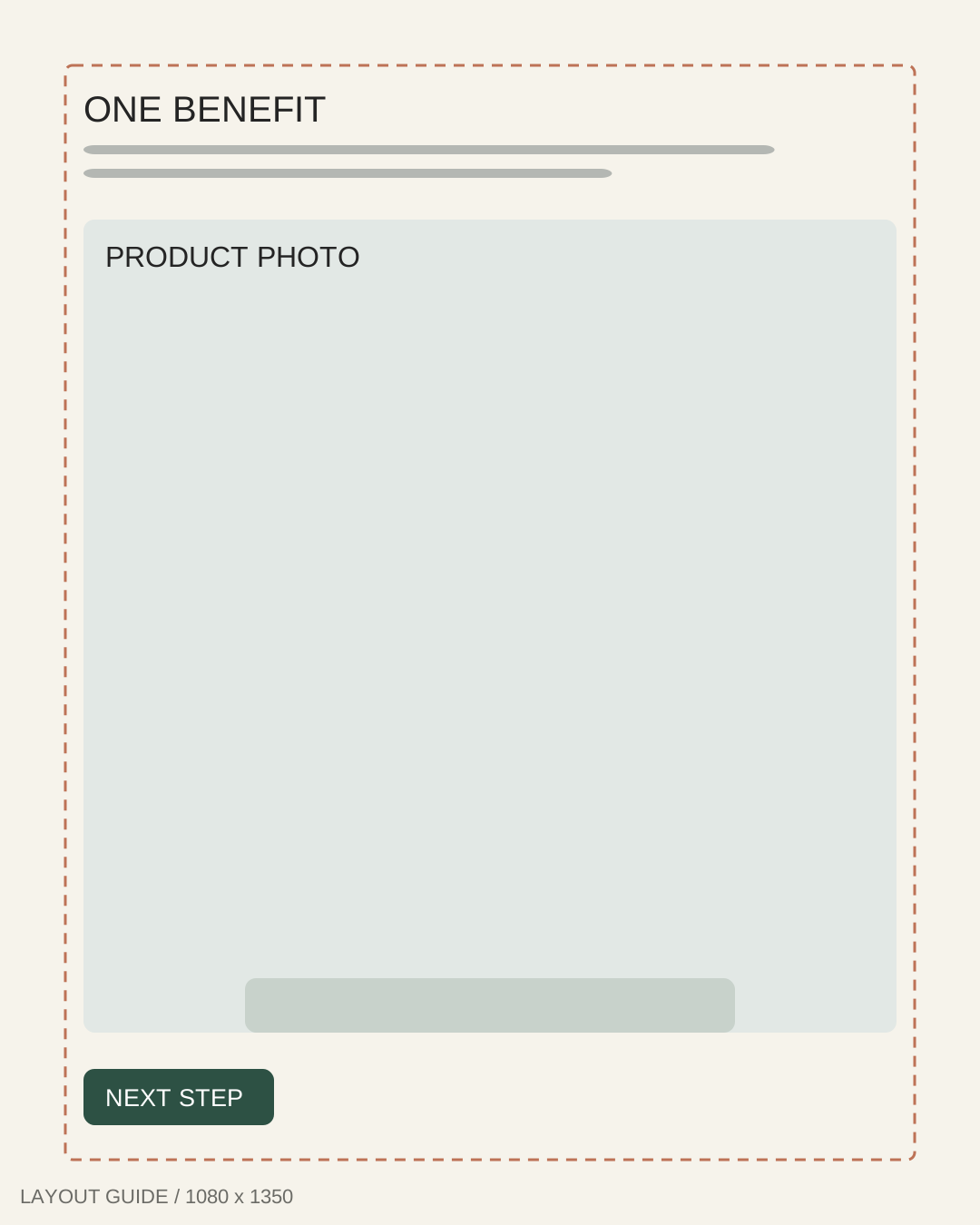
2. Portrait pedestal template
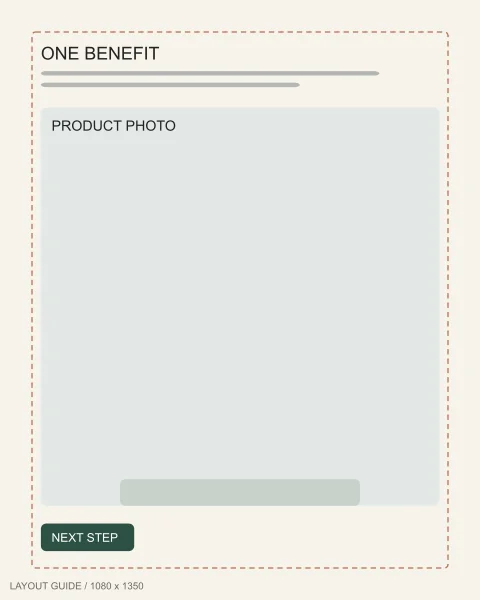
1080 × 1350 px
Best for: Bottles, packaging or objects that benefit from extra vertical room.
Text-safe zone: Benefit above the pedestal; stay 72px inward.
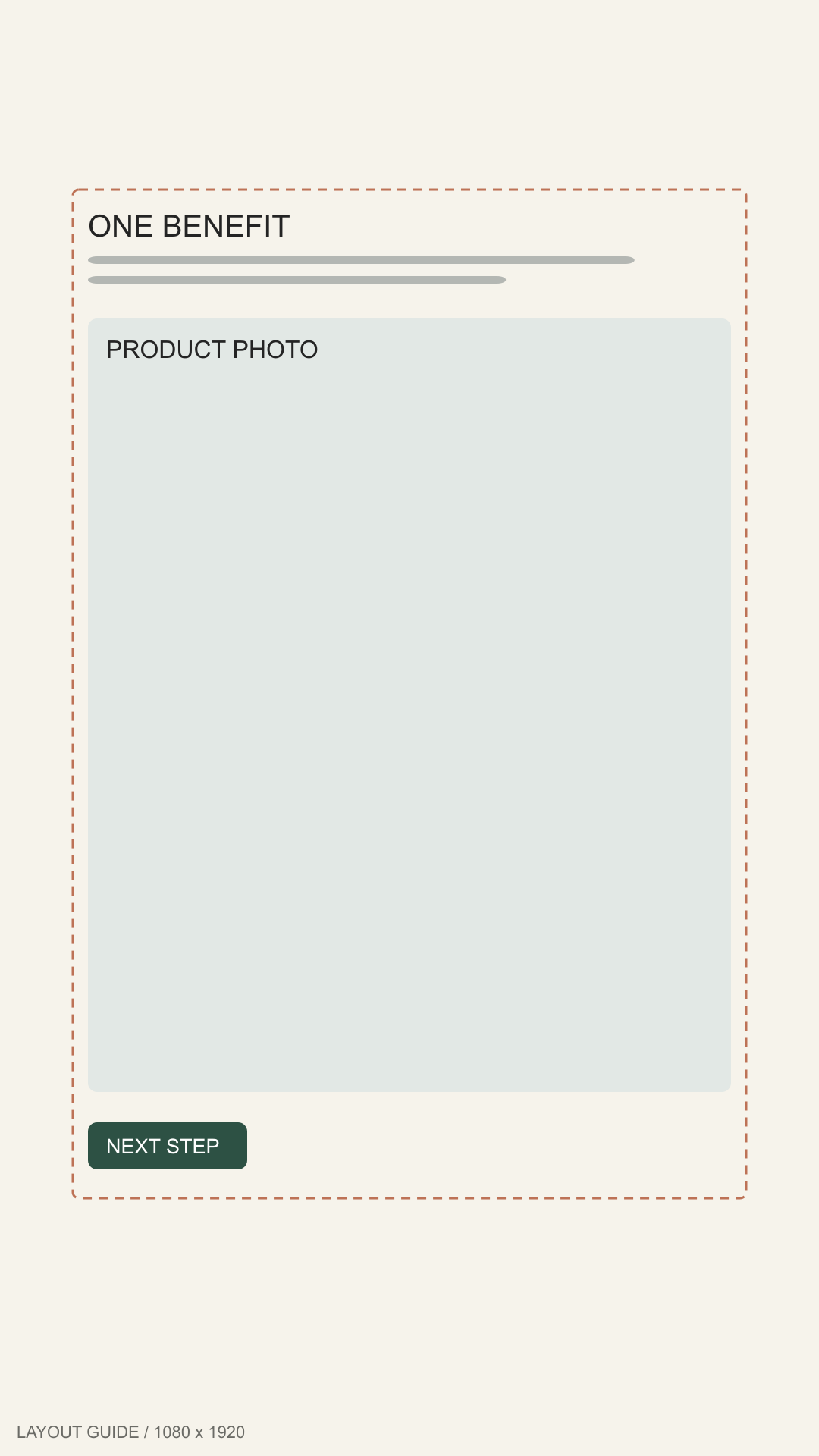
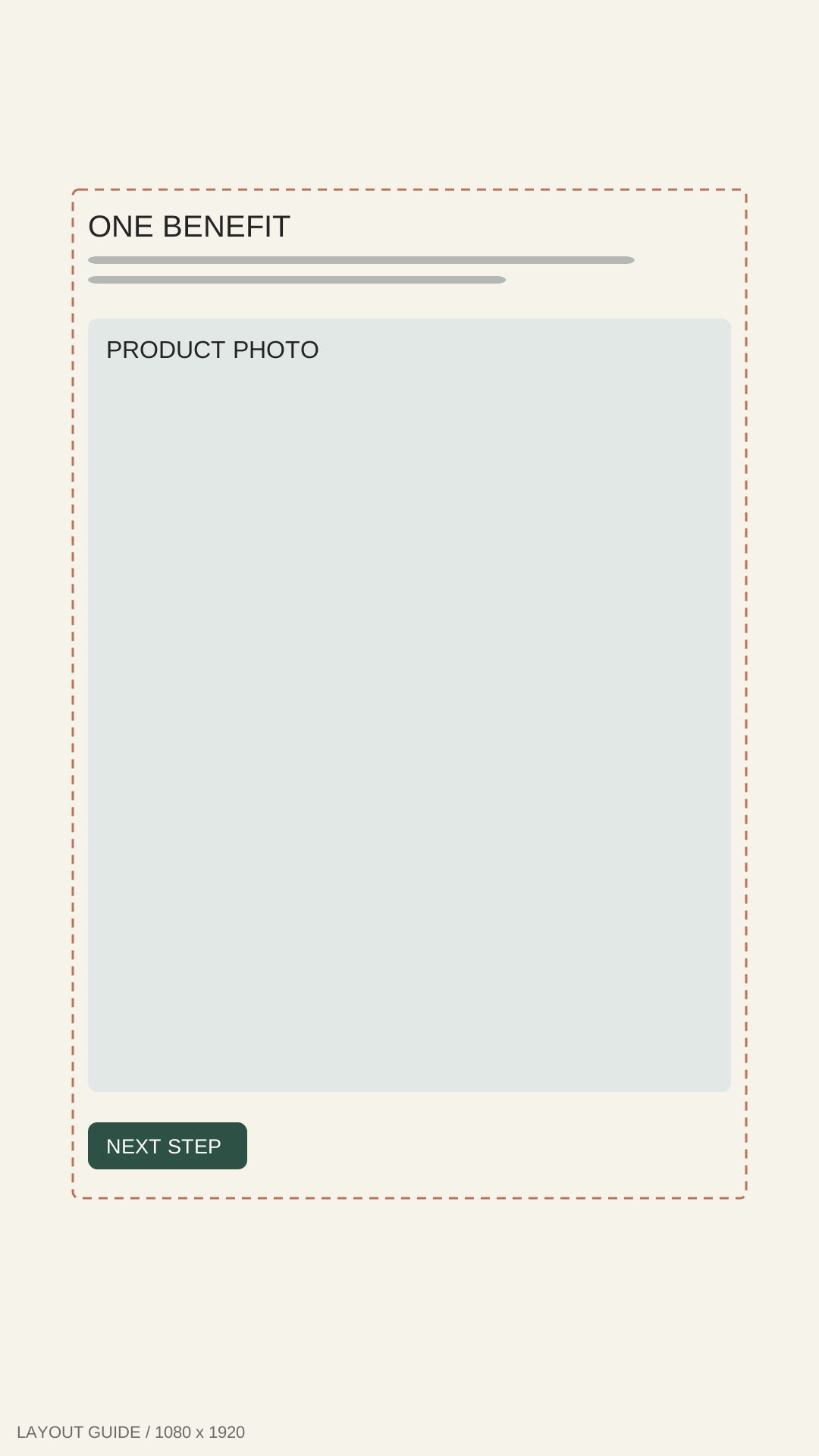
3. Stories spotlight template
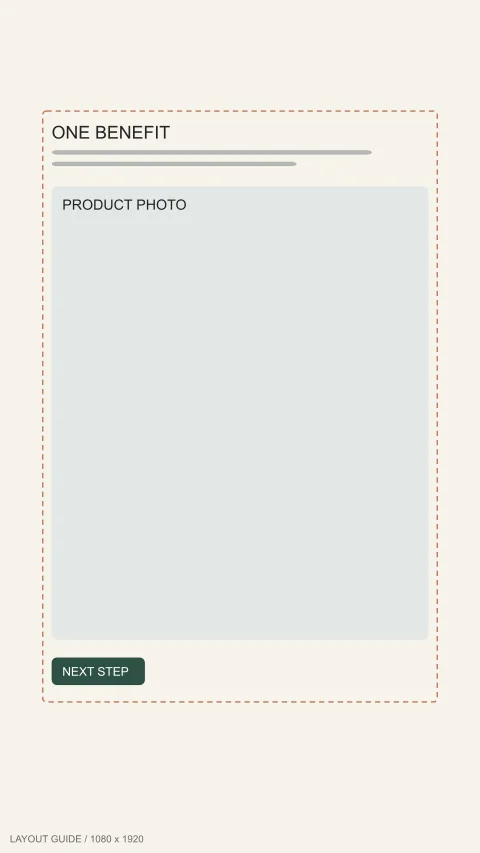
1080 × 1920 px
Best for: One product introduction designed for a full-height mobile placement.
Text-safe zone: Keep copy 96px from sides, 250px top, 340px bottom.
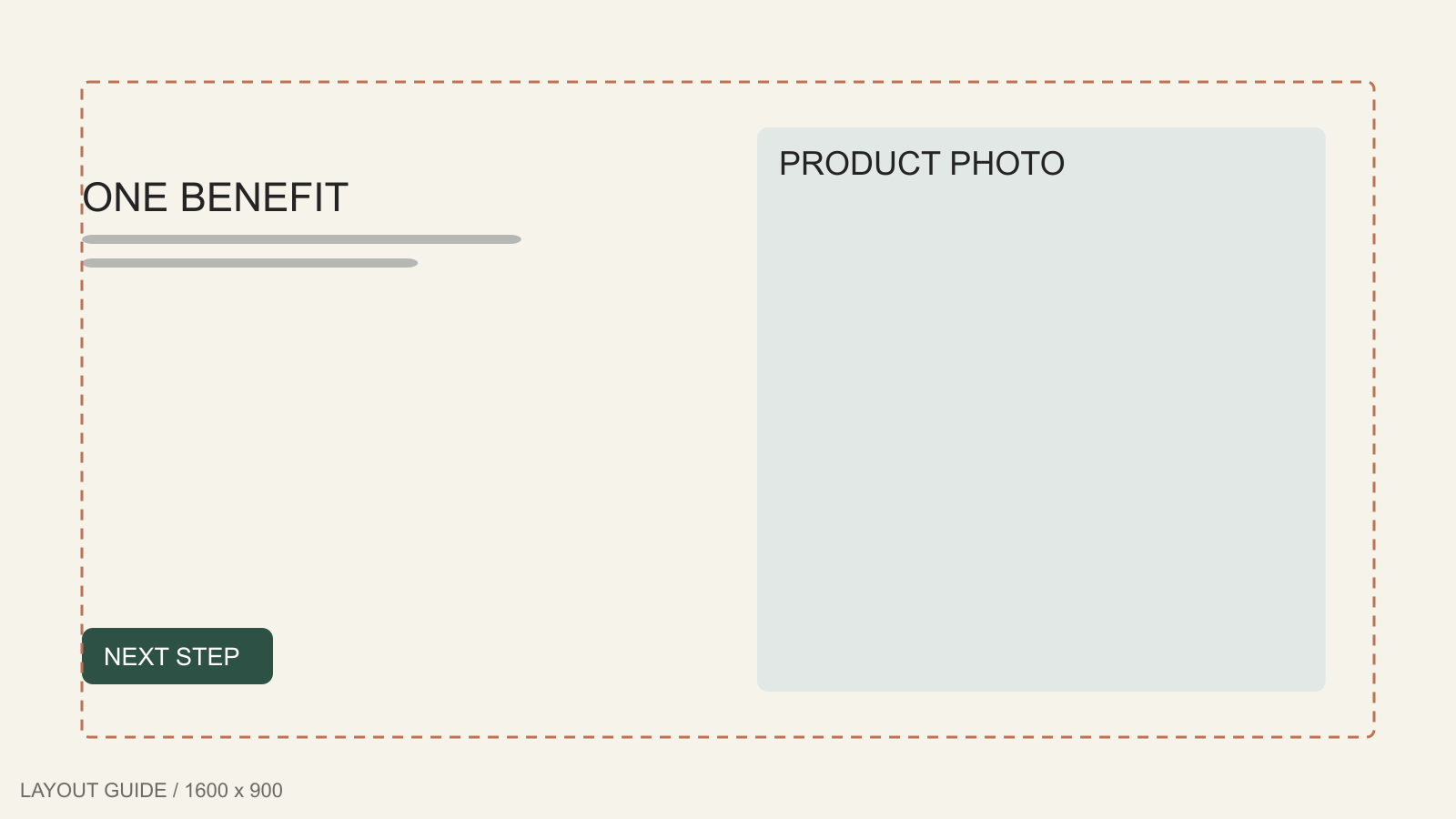
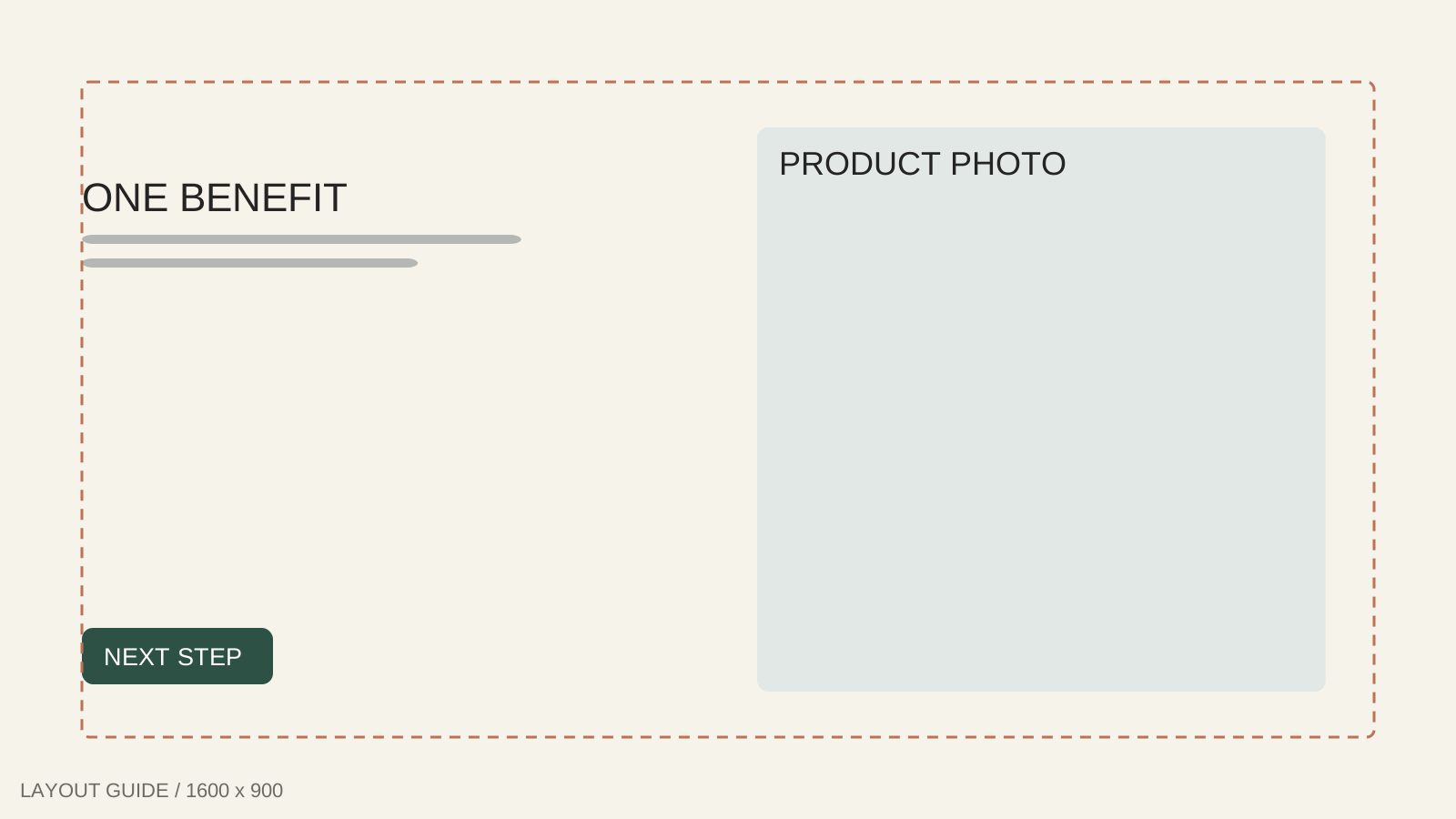
4. Landscape product ad template
1600 × 900 px
Best for: A landscape image where the product and message need separate columns.
Text-safe zone: Copy in the left column; 90px edge clearance.
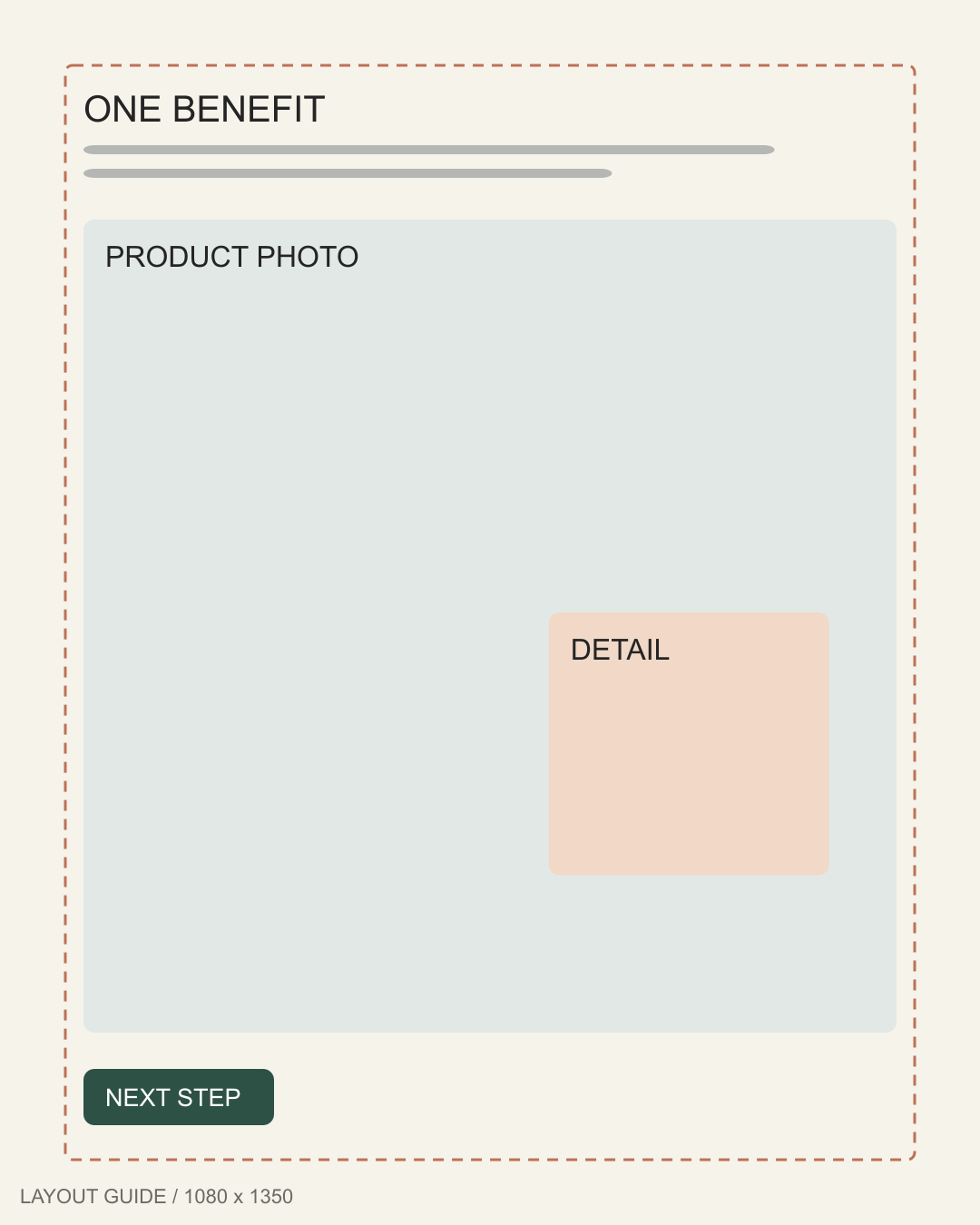
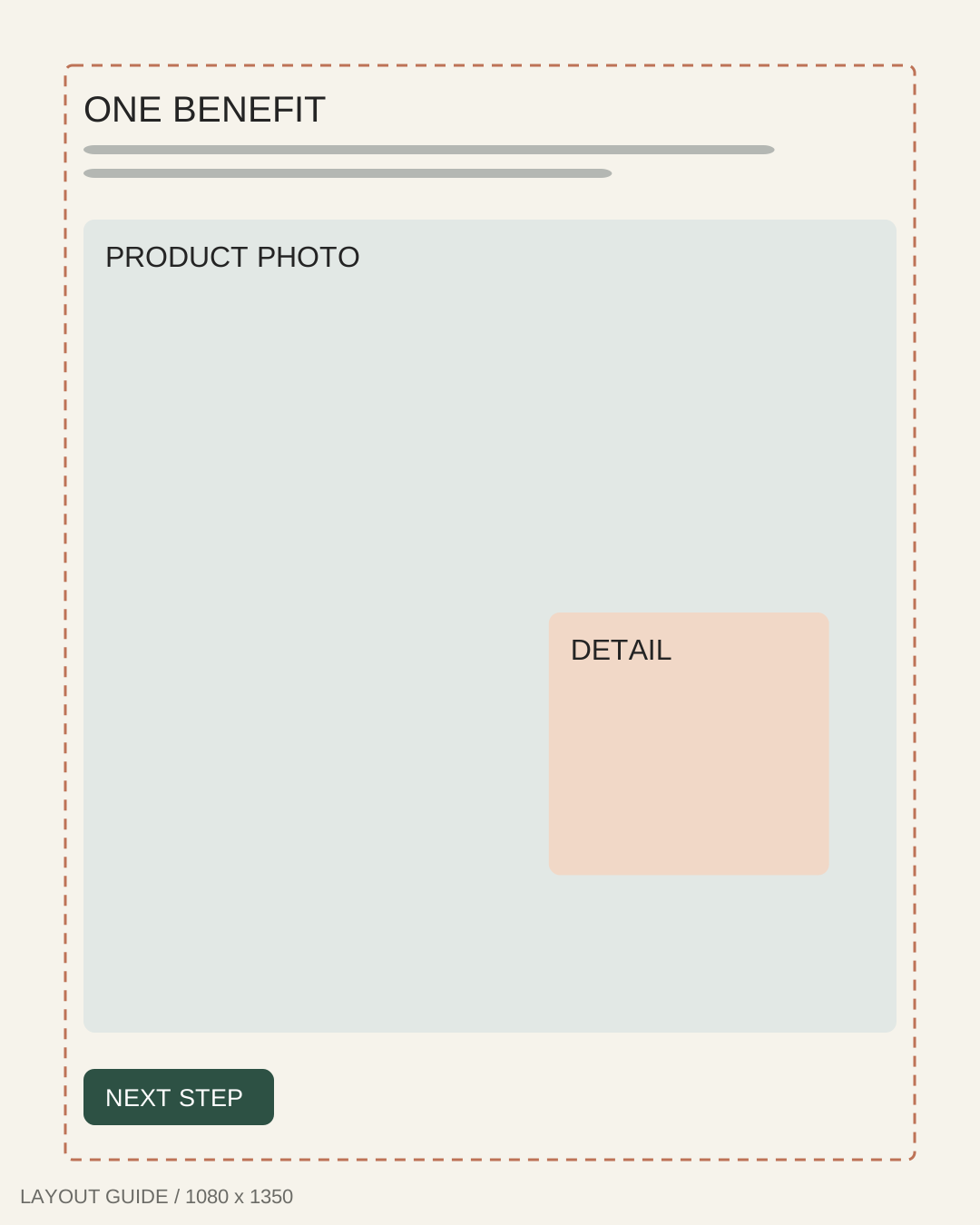
5. Product detail template
1080 × 1350 px
Best for: Explaining one visible material detail without hiding the complete product.
Text-safe zone: Headline clear of the detail inset; 72px edges.
Offer and discount
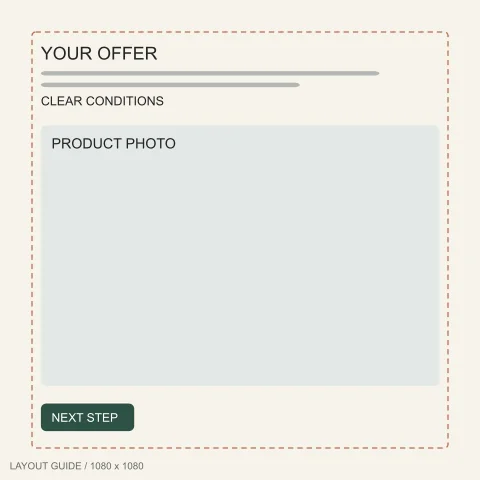
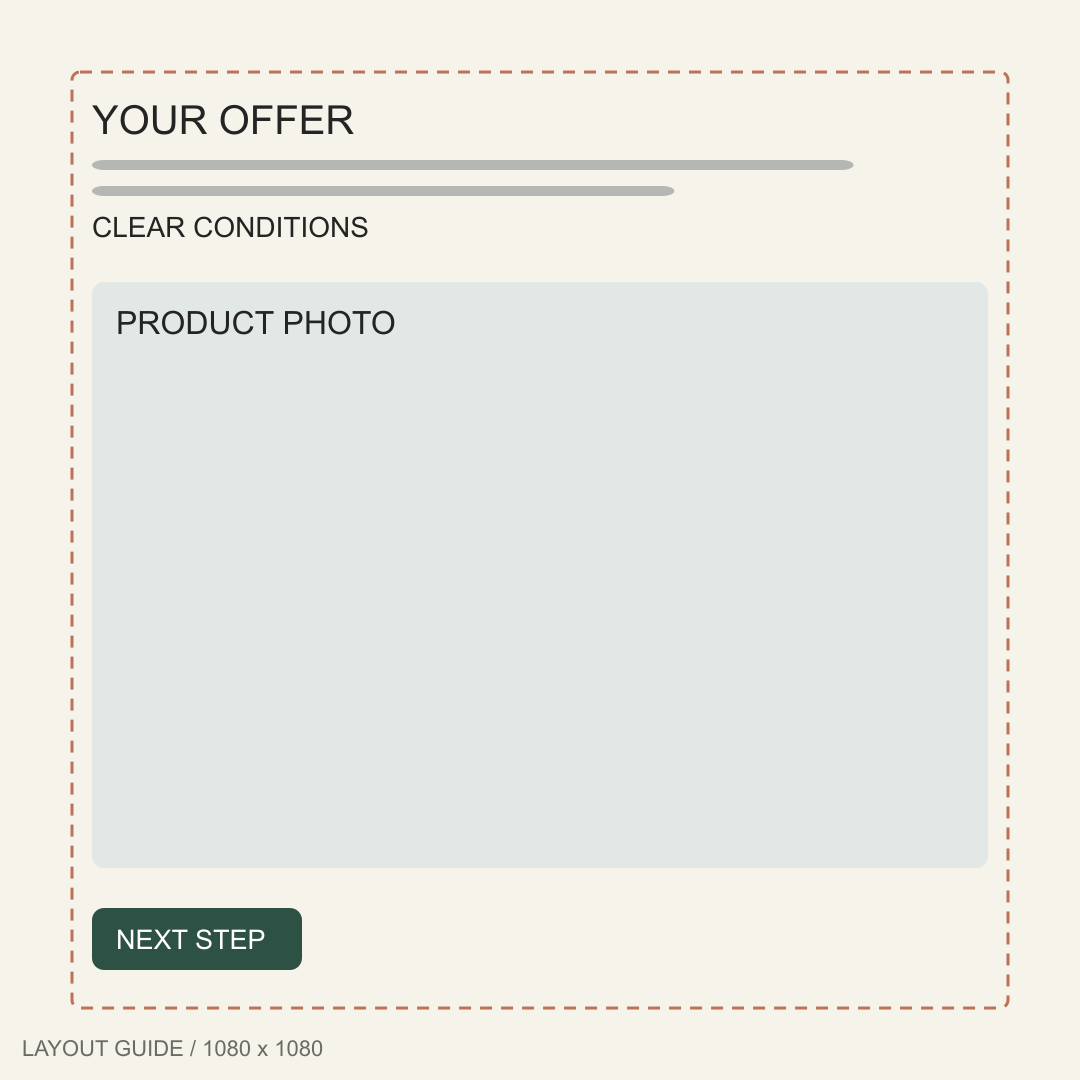
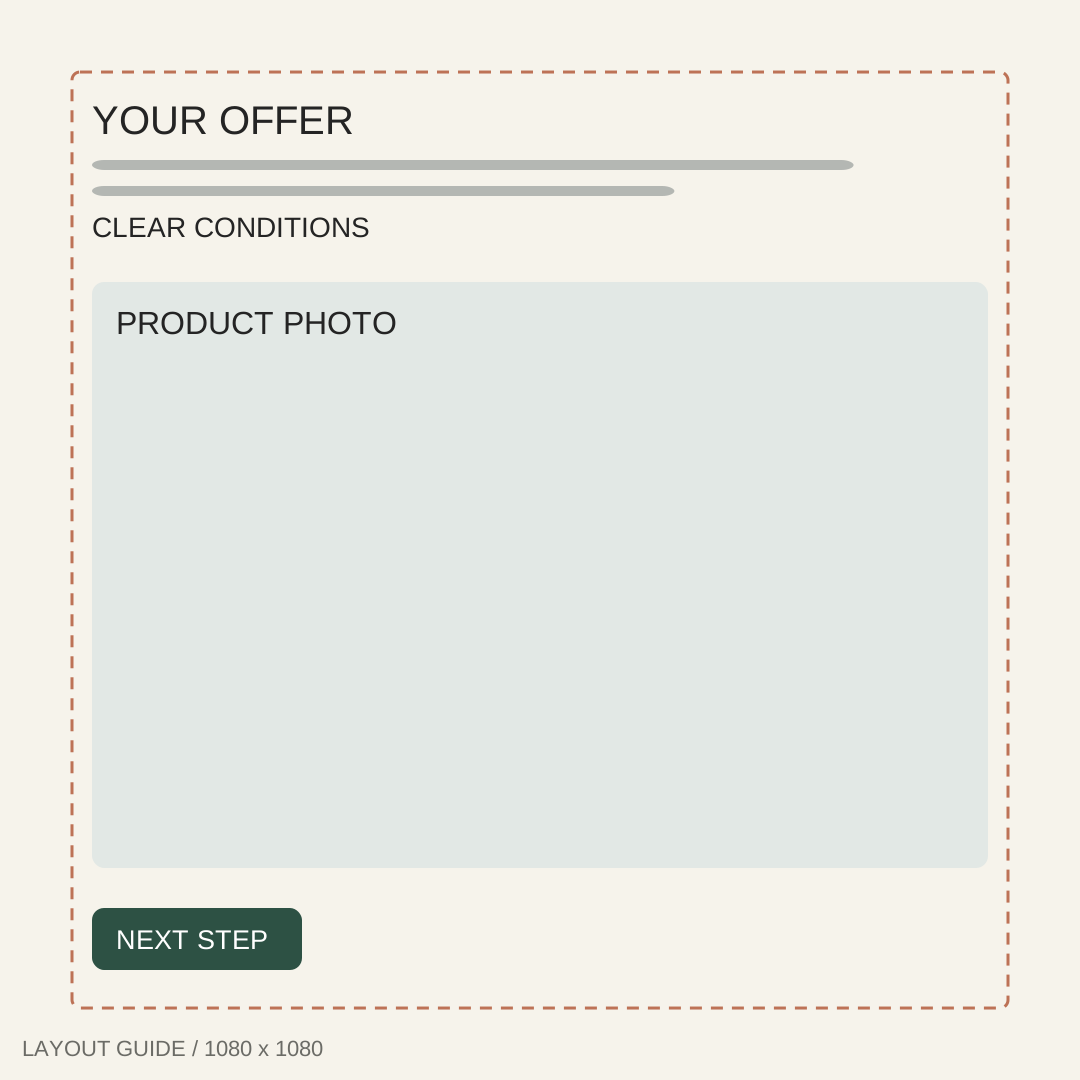
Promotional static ads templates separate the offer from the image. Keep conditions readable and distinguish gifts from purchased items.
6. Discount headline template
1080 × 1080 px
Best for: One genuine discount with enough space for its qualifying conditions.
Text-safe zone: Offer and terms above the photo; 72px borders.
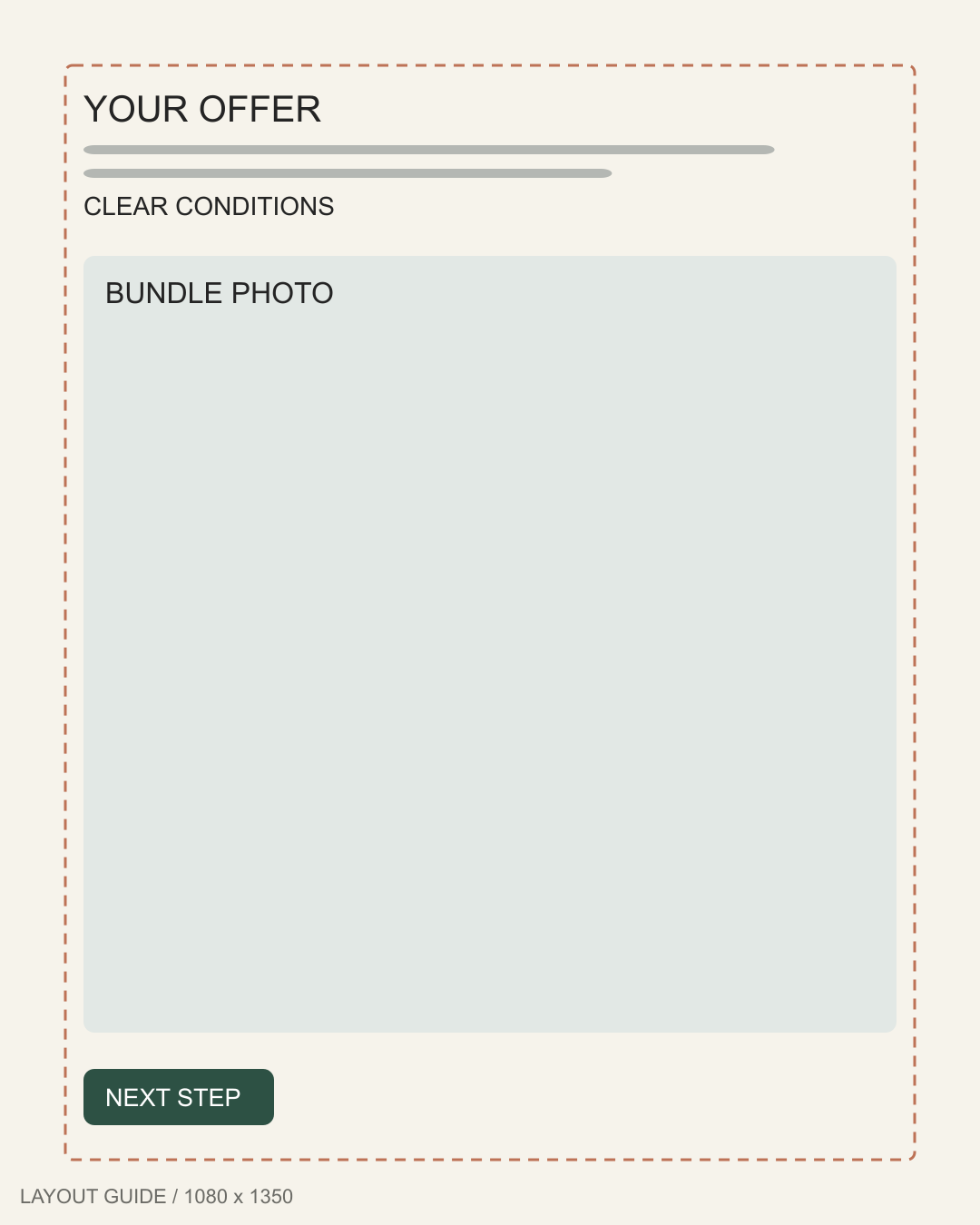
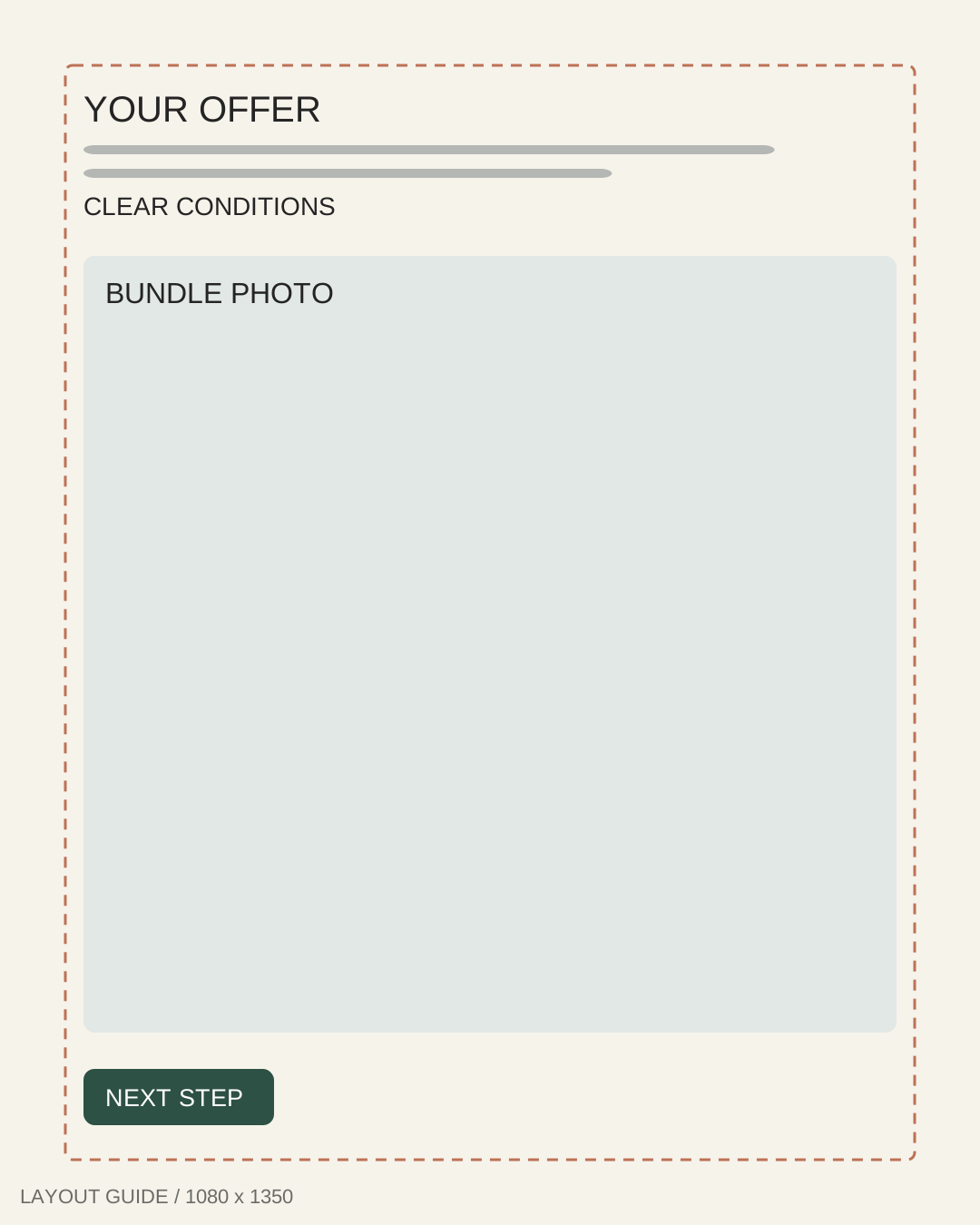
7. Bundle promotion template
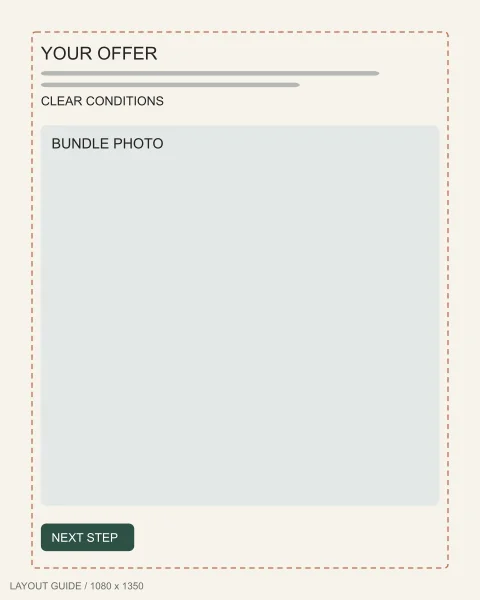
1080 × 1350 px
Best for: A clearly priced bundle whose included items remain visible together.
Text-safe zone: Bundle terms above all items; retain 72px margins.
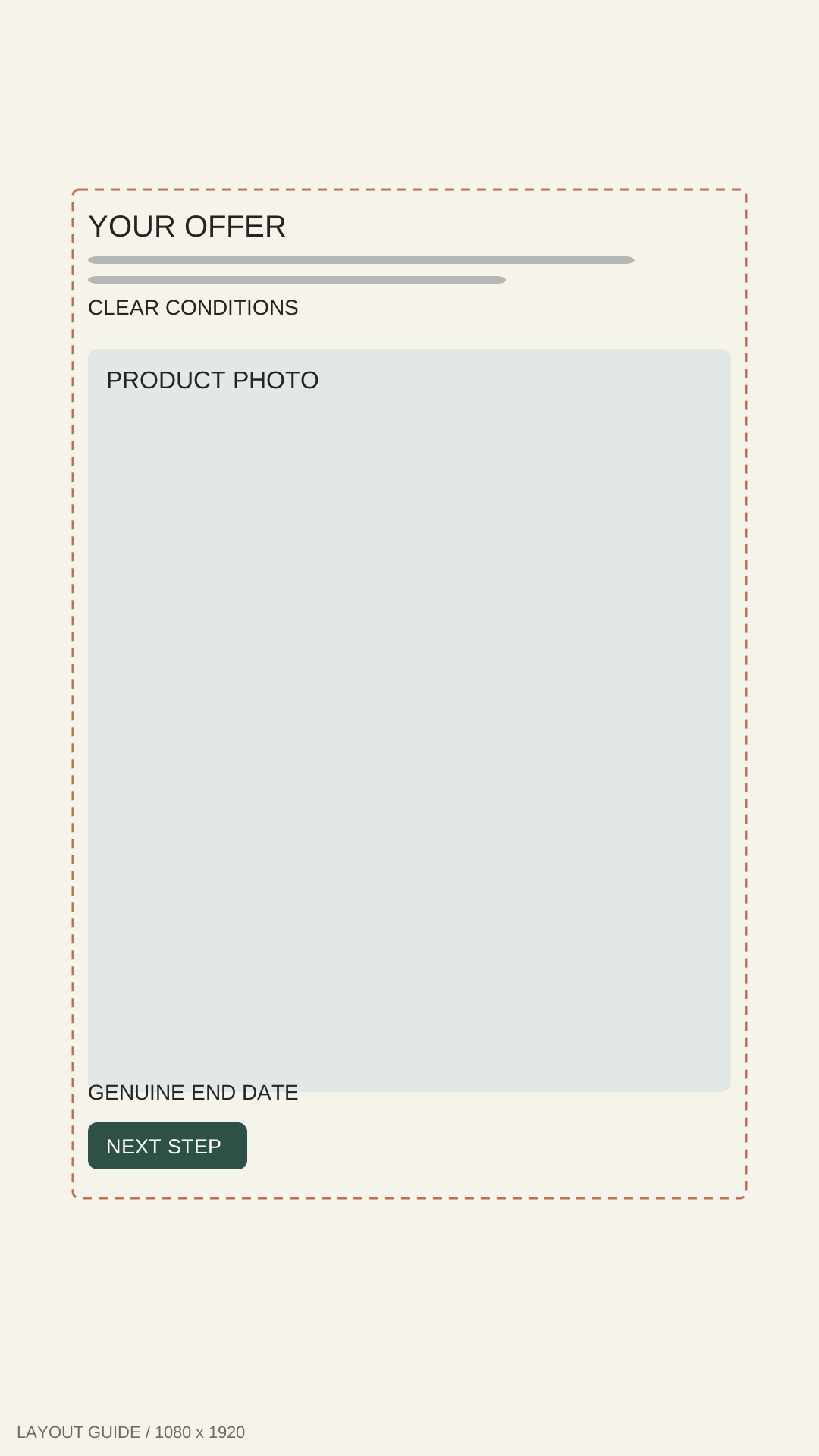
8. Stories offer template
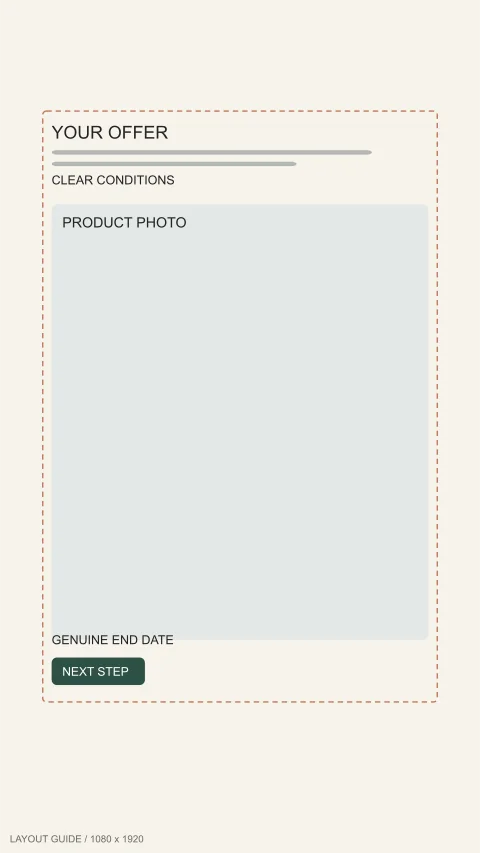
1080 × 1920 px
Best for: A short mobile promotion with an honest deadline or availability note.
Text-safe zone: Offer inside 96px sides, 250px top, 340px bottom.
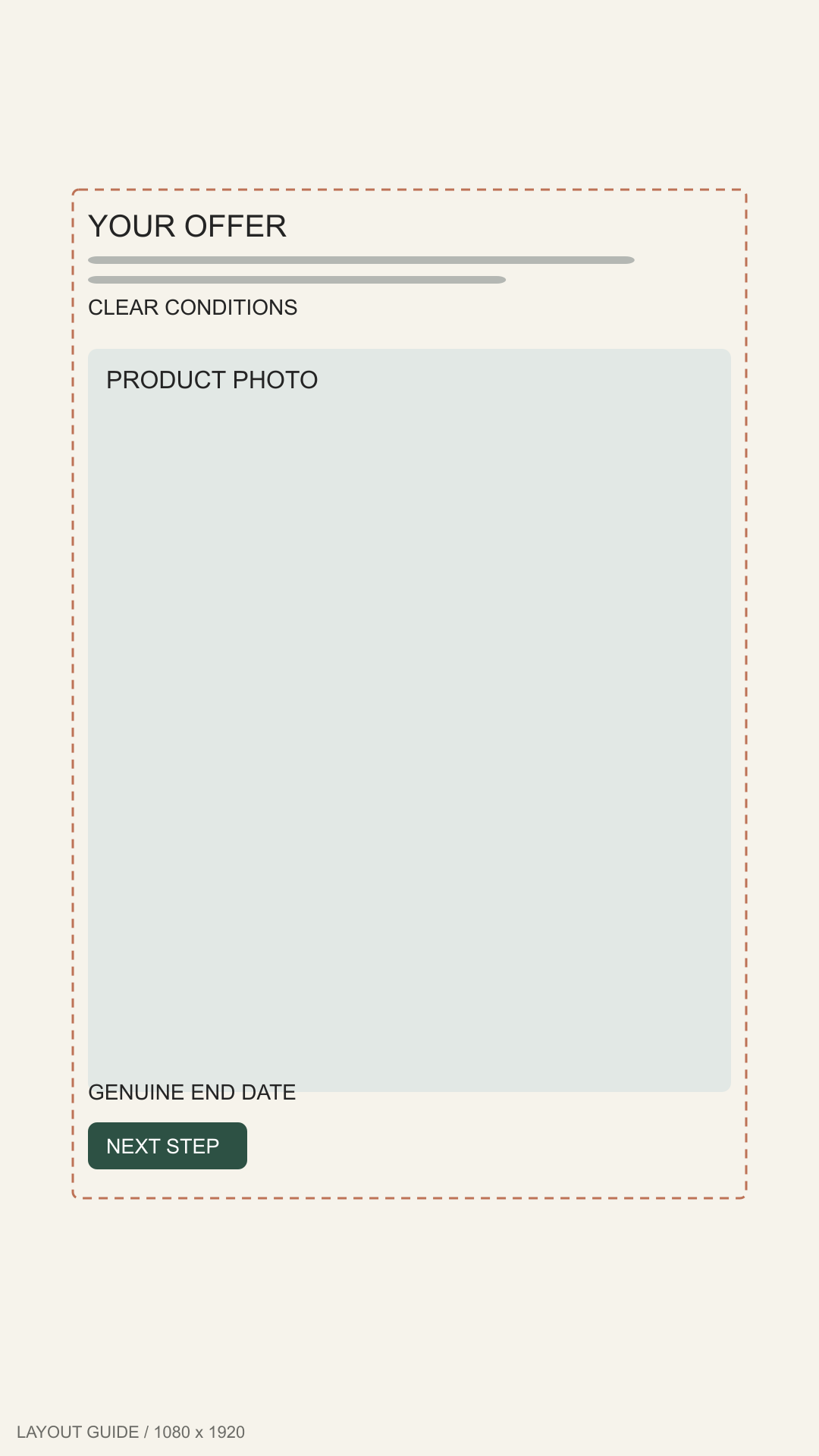
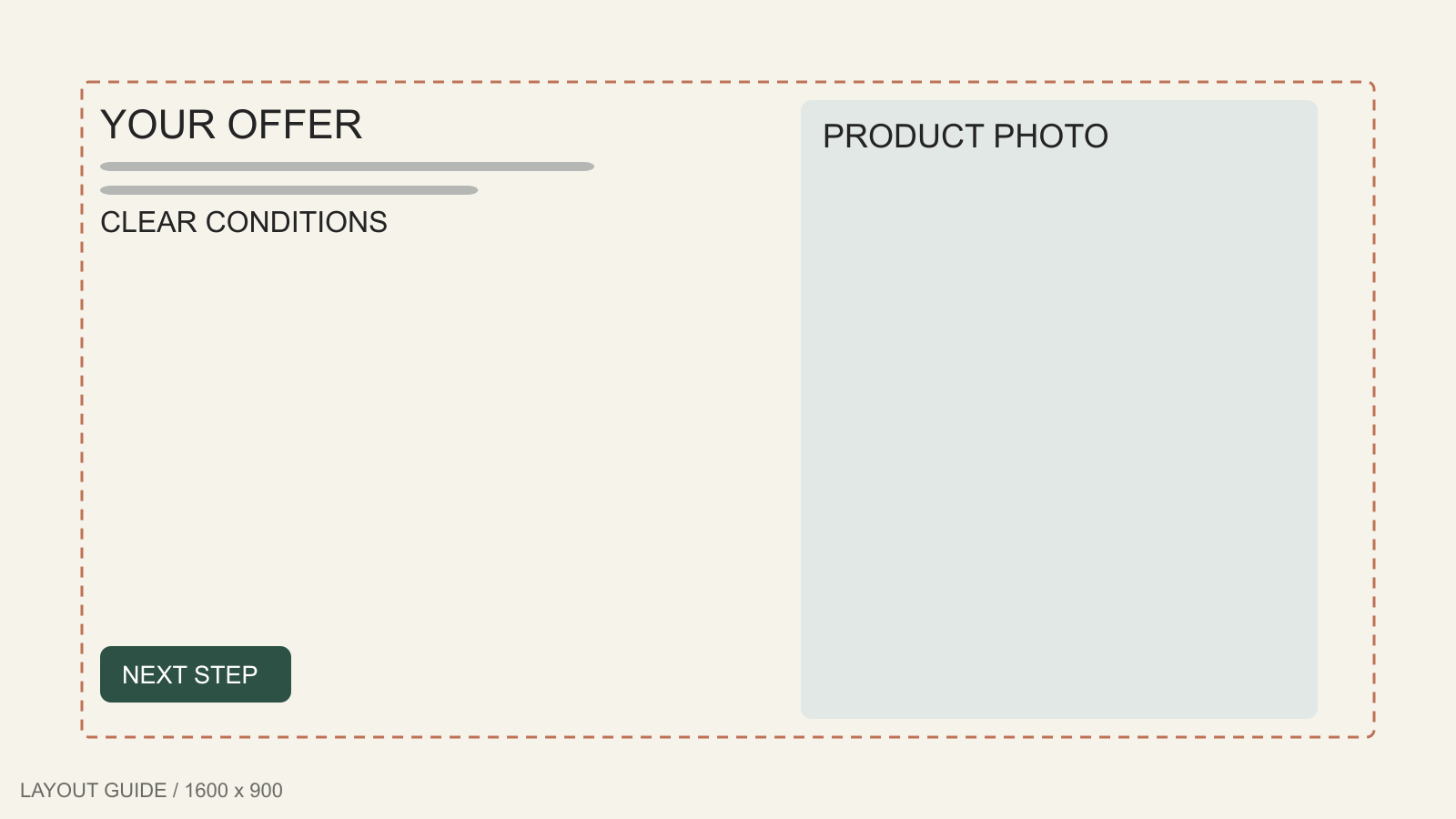
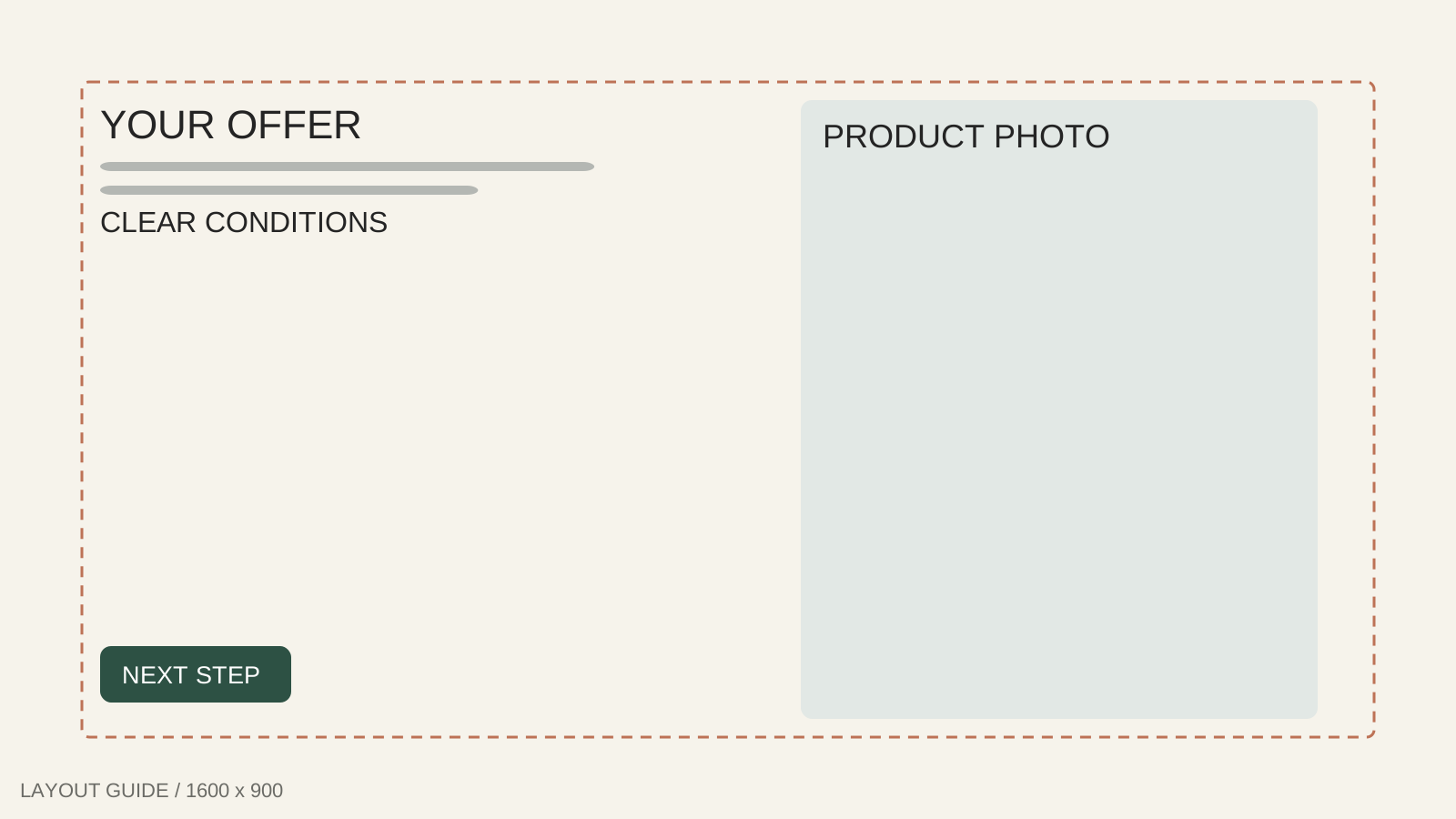
9. Landscape sale ad template
1600 × 900 px
Best for: A landscape promotion with a product photo and compact offer terms.
Text-safe zone: Promotion in the left panel, 90px from edges.
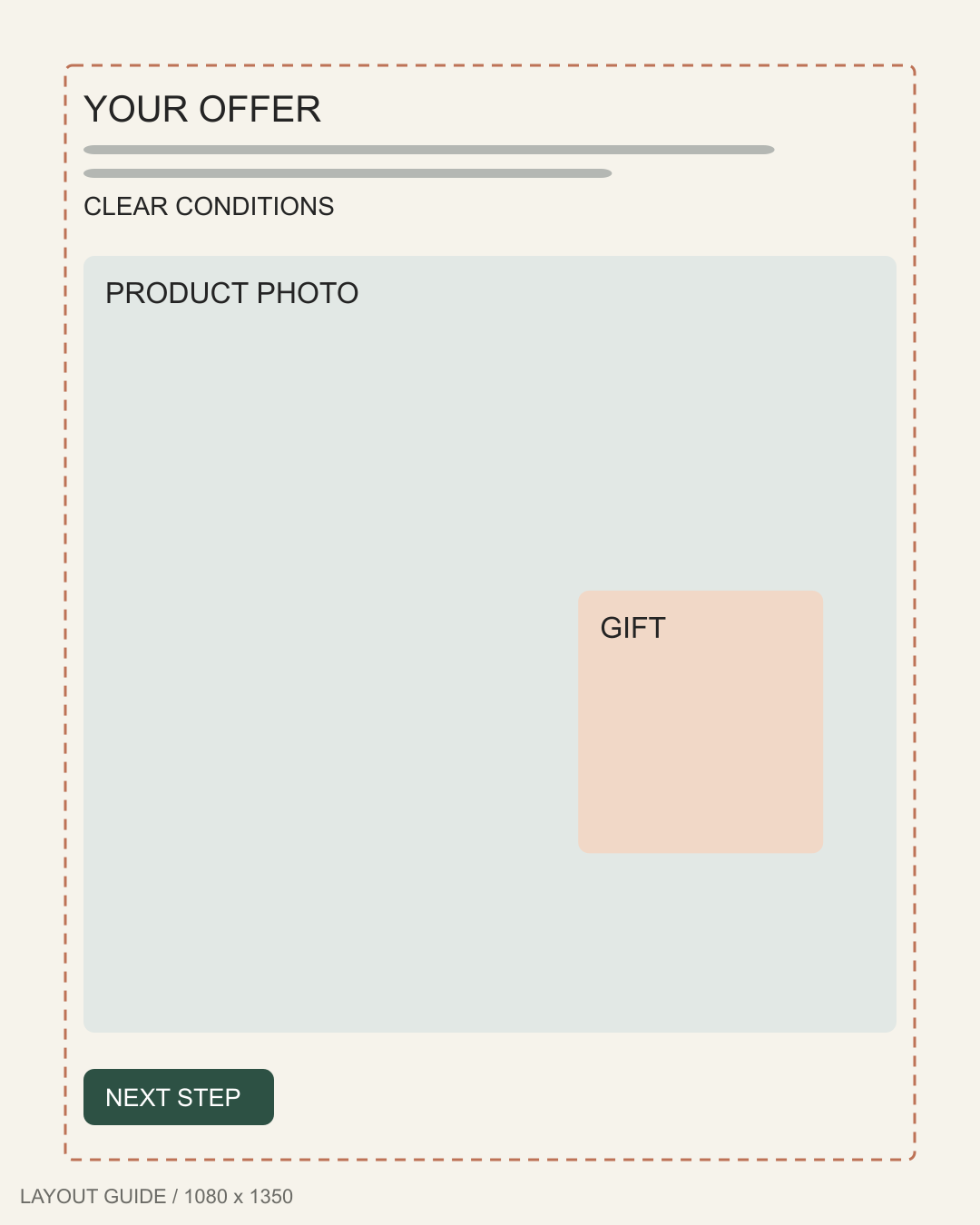
10. Gift-with-purchase template
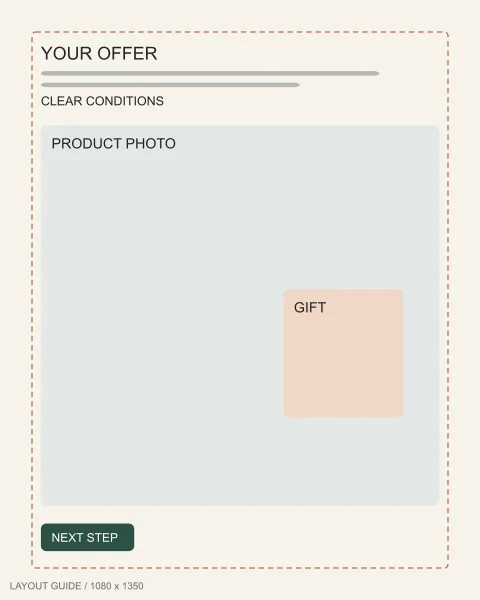
1080 × 1350 px
Best for: A genuine bonus clearly separated from the item customers must purchase.
Text-safe zone: Terms above the gift inset; leave 72px around.
Before and after
Comparison static ads templates pair authentic photographs with comparable framing. Disclose conditions and check that the platform permits your claims.
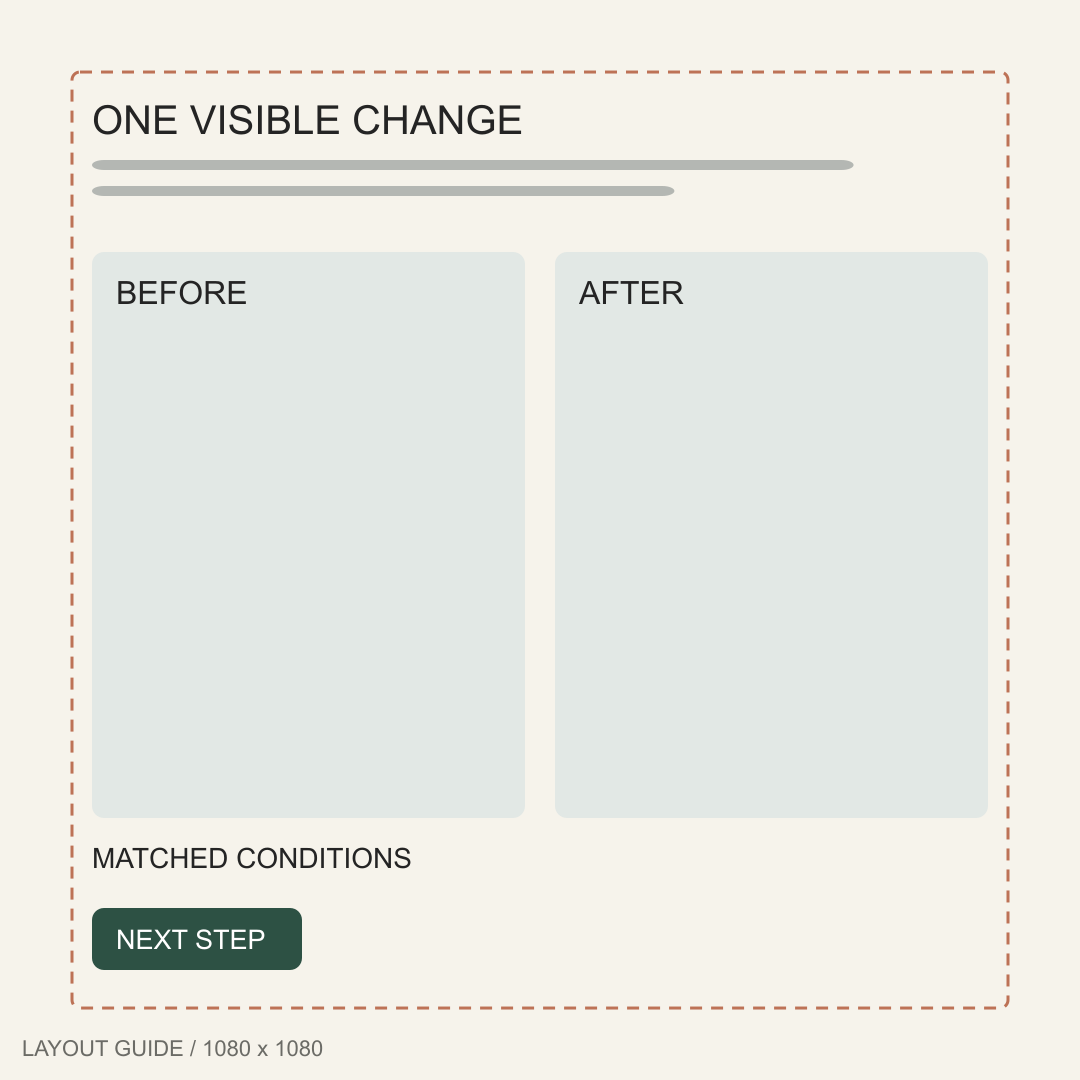
11. Split comparison ad template
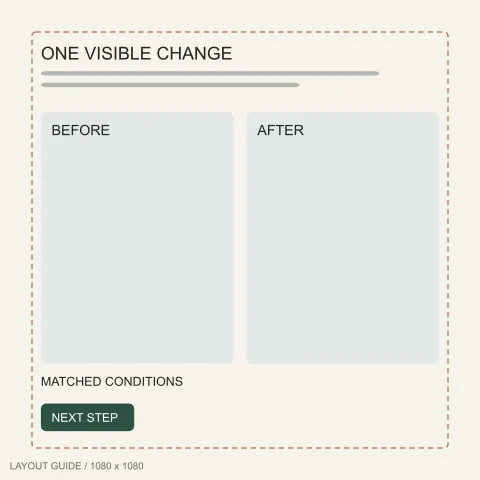
1080 × 1080 px
Best for: Two authentic views captured with comparable framing and lighting.
Text-safe zone: Headline above both views; 72px perimeter.
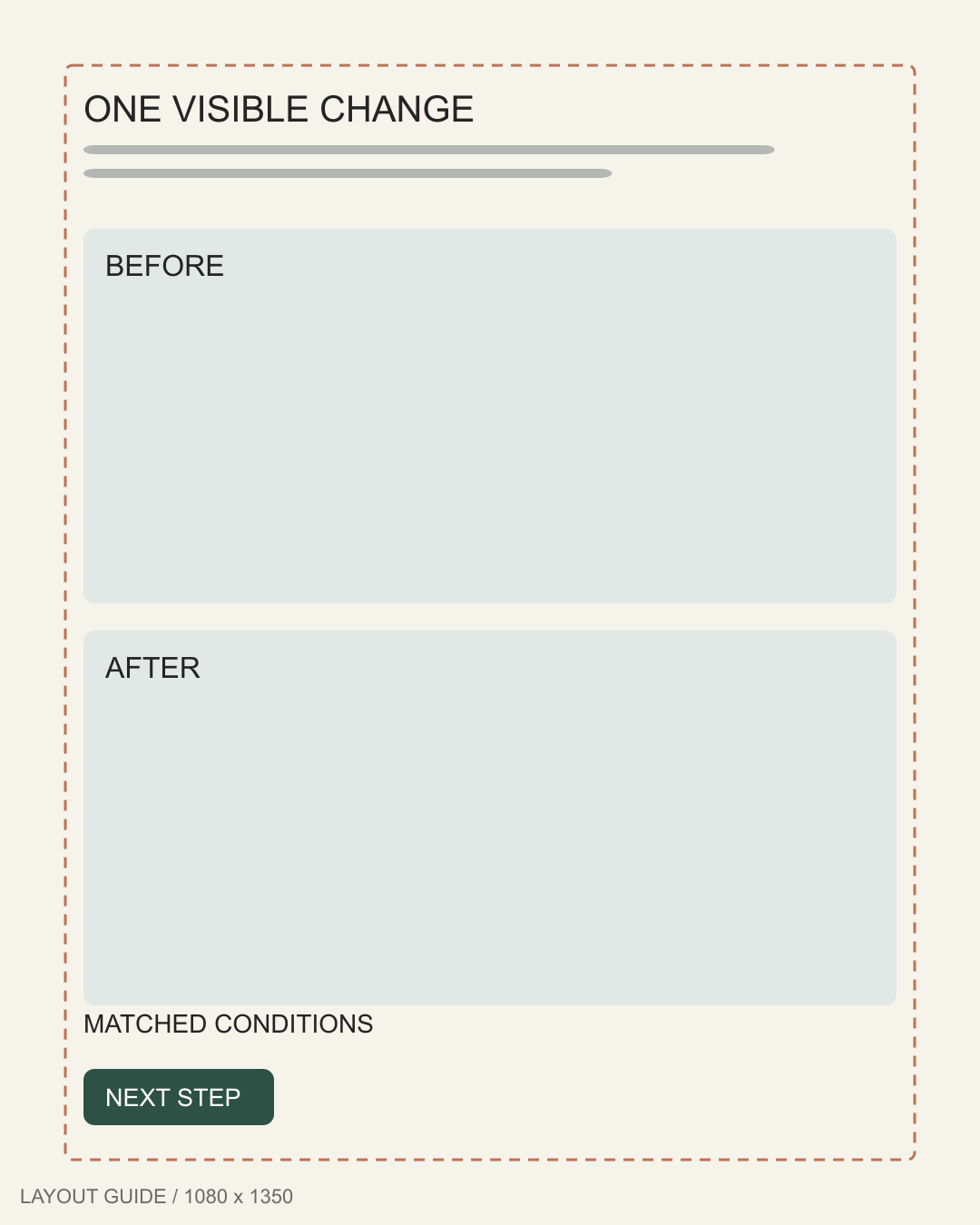
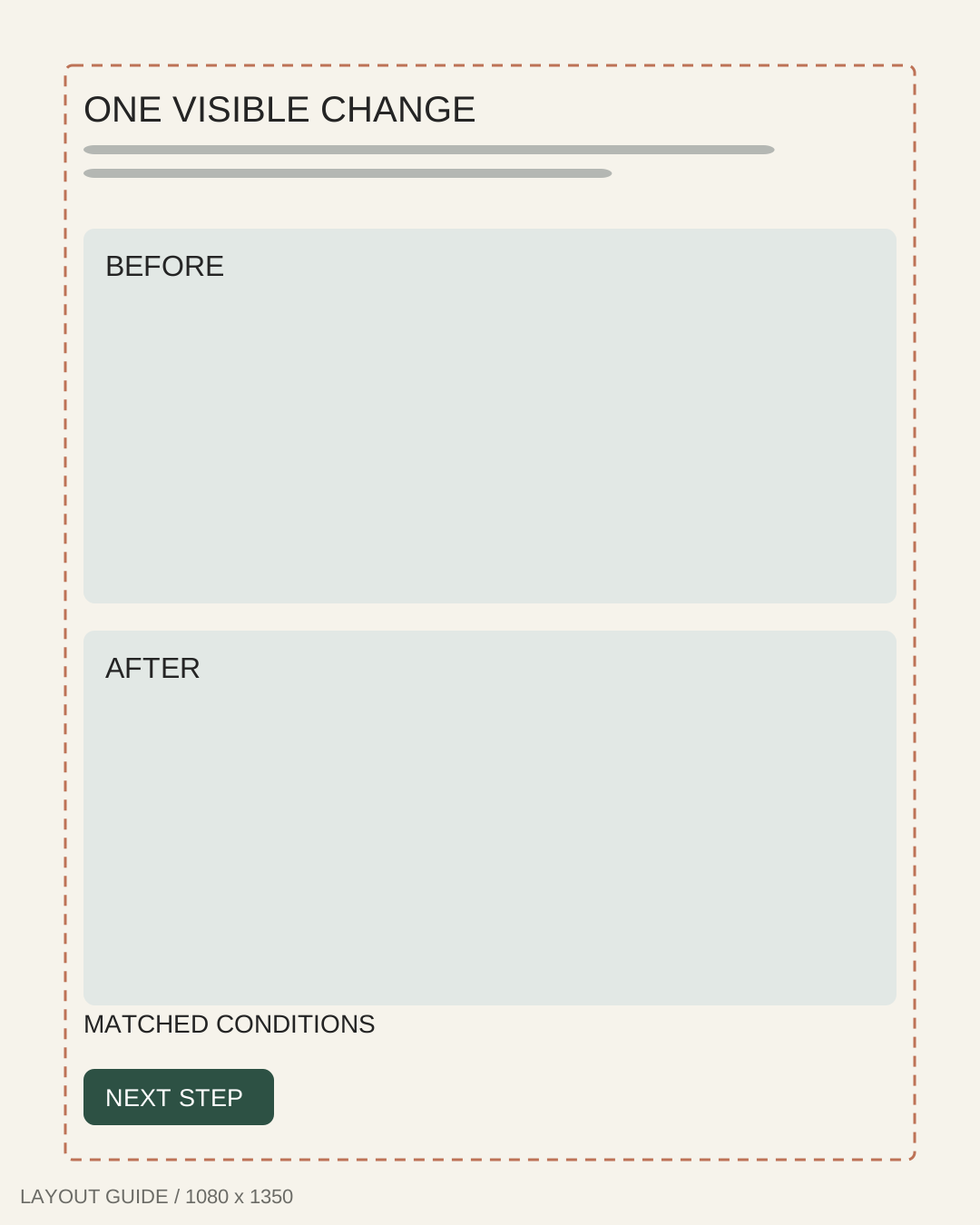
12. Stacked comparison template
1080 × 1350 px
Best for: Showing a real organization or assembly process without exaggerating results.
Text-safe zone: Conditions below the pair; keep 72px edge spacing.
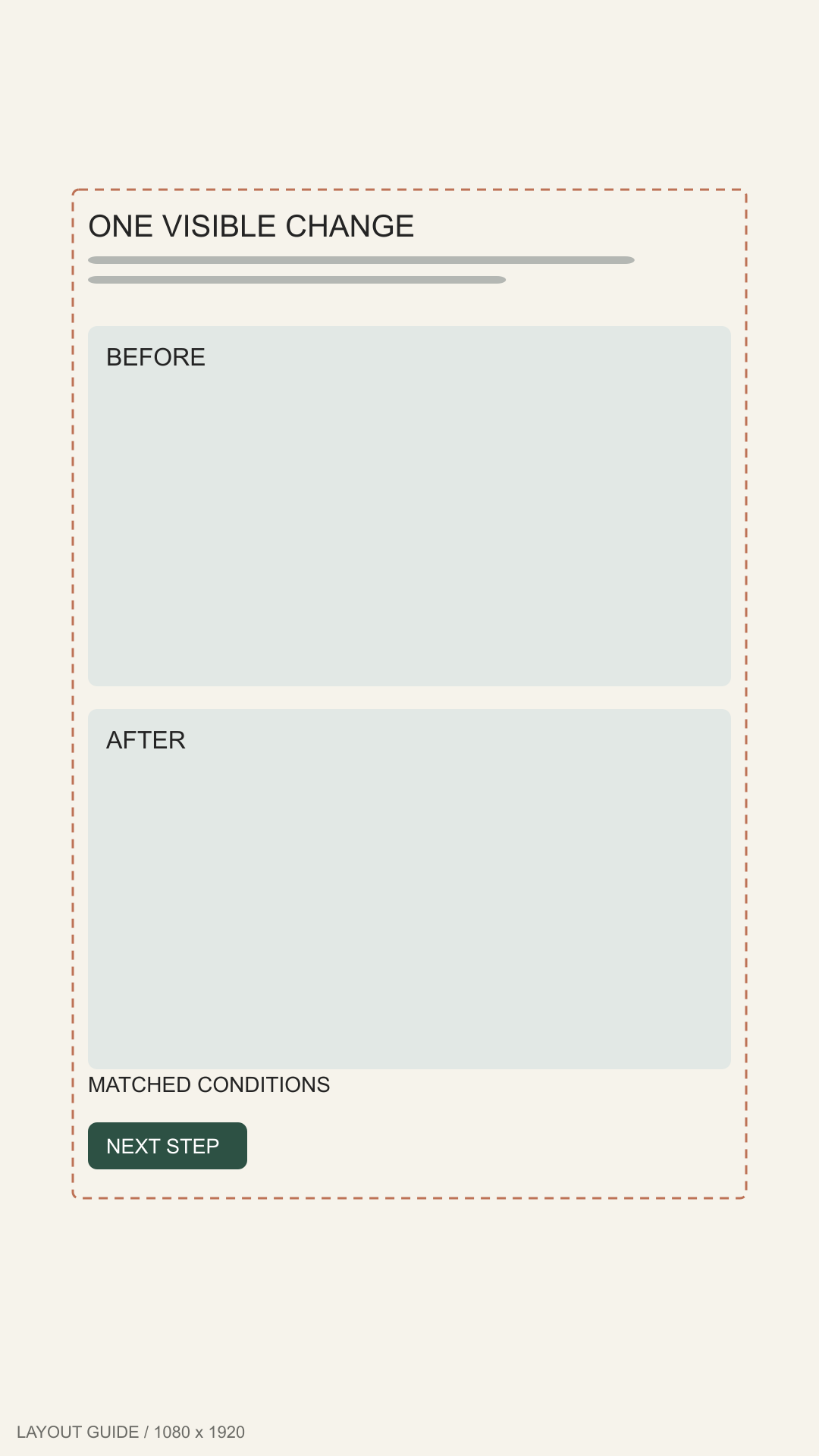
13. Stories comparison template
1080 × 1920 px
Best for: A simple mobile comparison with equal emphasis on both original views.
Text-safe zone: Labels within 96px sides, 250px top, 340px bottom.
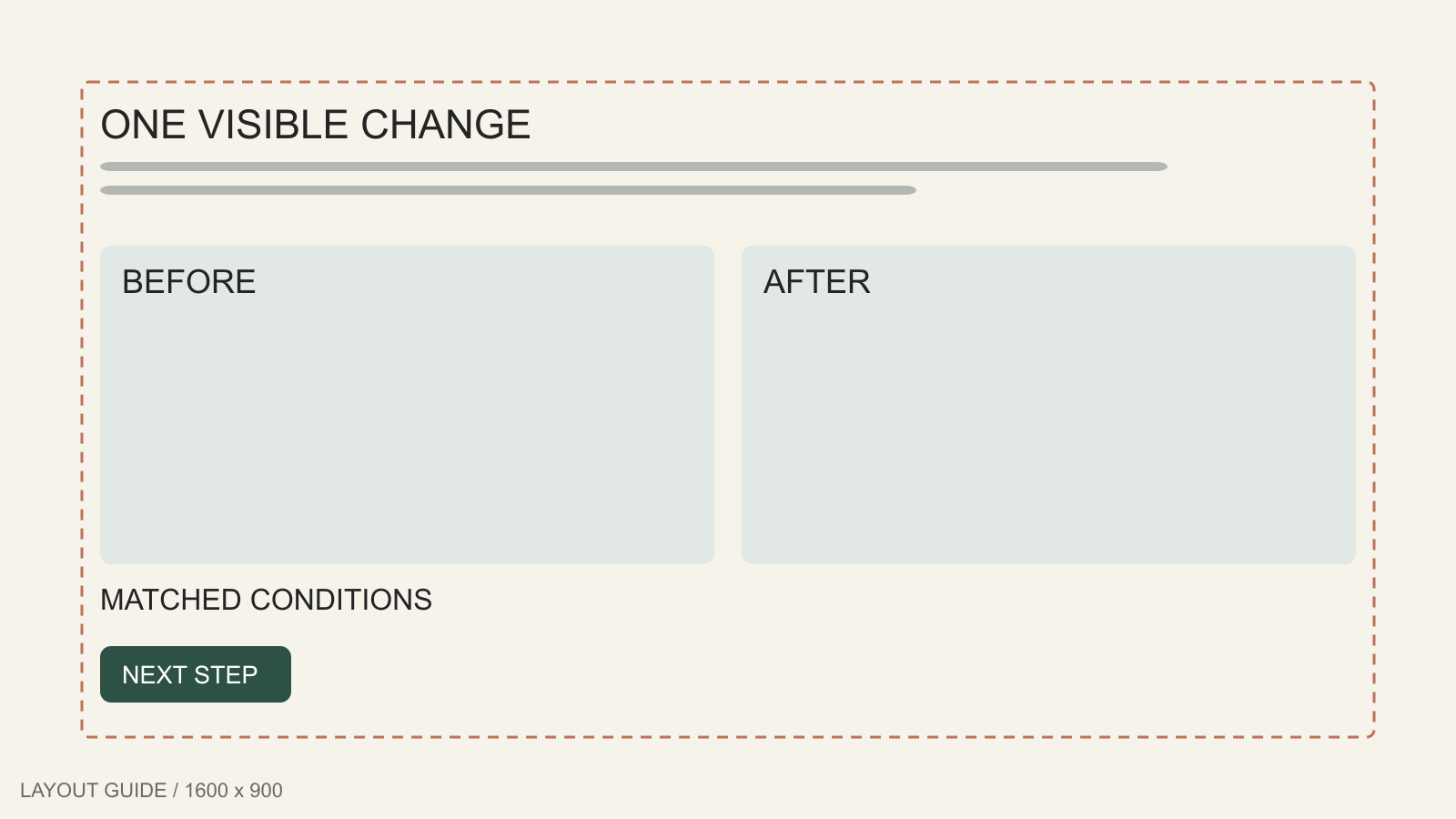
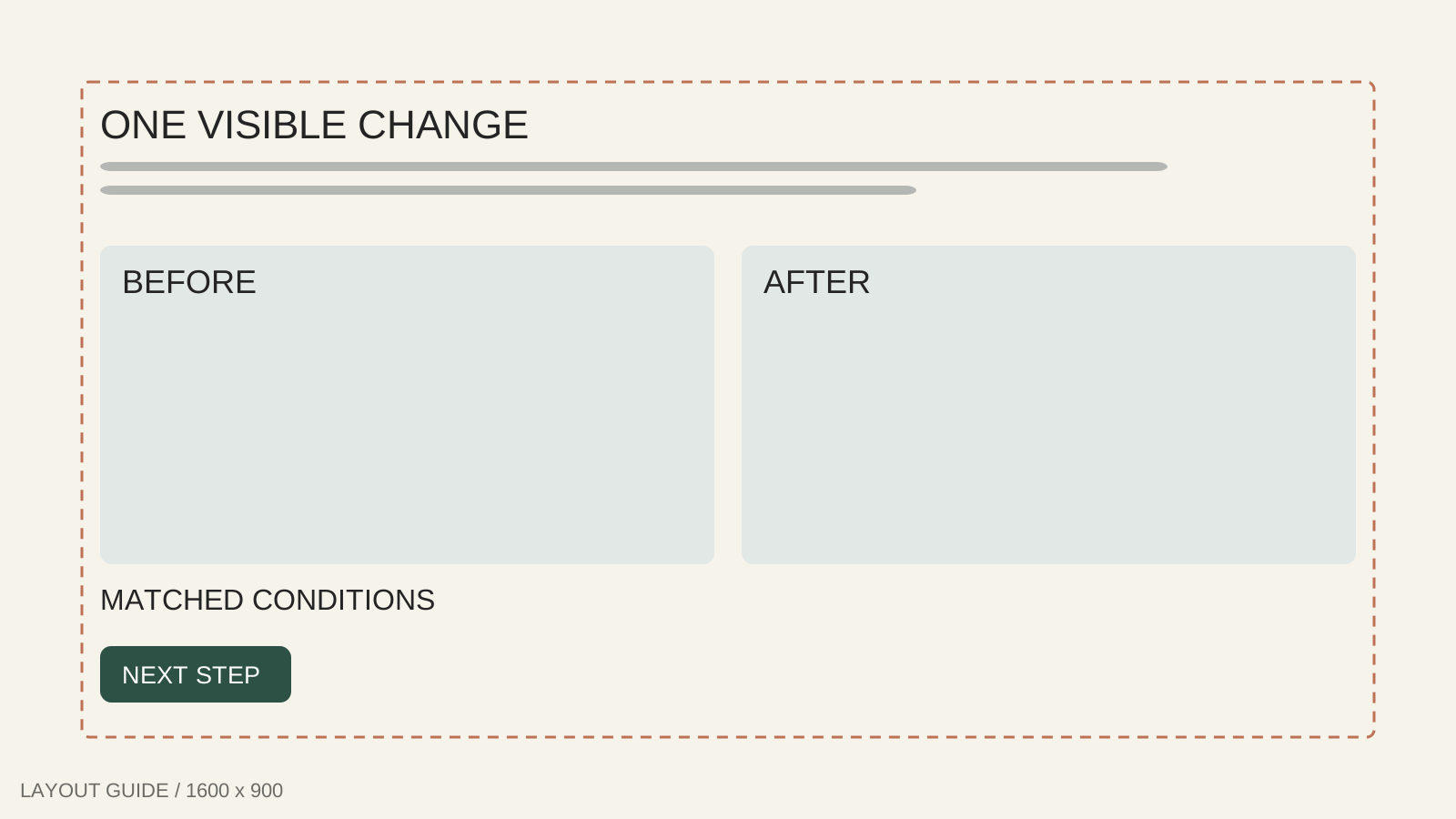
14. Landscape process template
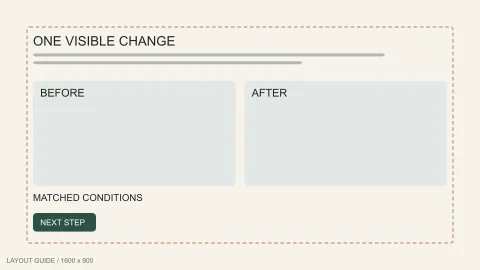
1600 × 900 px
Best for: A documented process with room for a brief condition or method note.
Text-safe zone: Method below both images; maintain 90px margins.
15. Detail comparison template
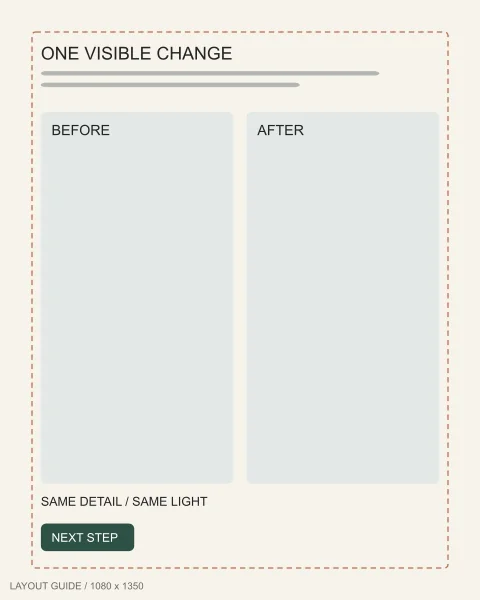
1080 × 1350 px
Best for: An honest close-up of one visible product or packaging difference.
Text-safe zone: Comparison note beneath details; 72px outer clearance.
Review and testimonial
Review-based static ads templates make customer feedback the lead message. Use authorized quotes with a source; never invent ratings or customers.
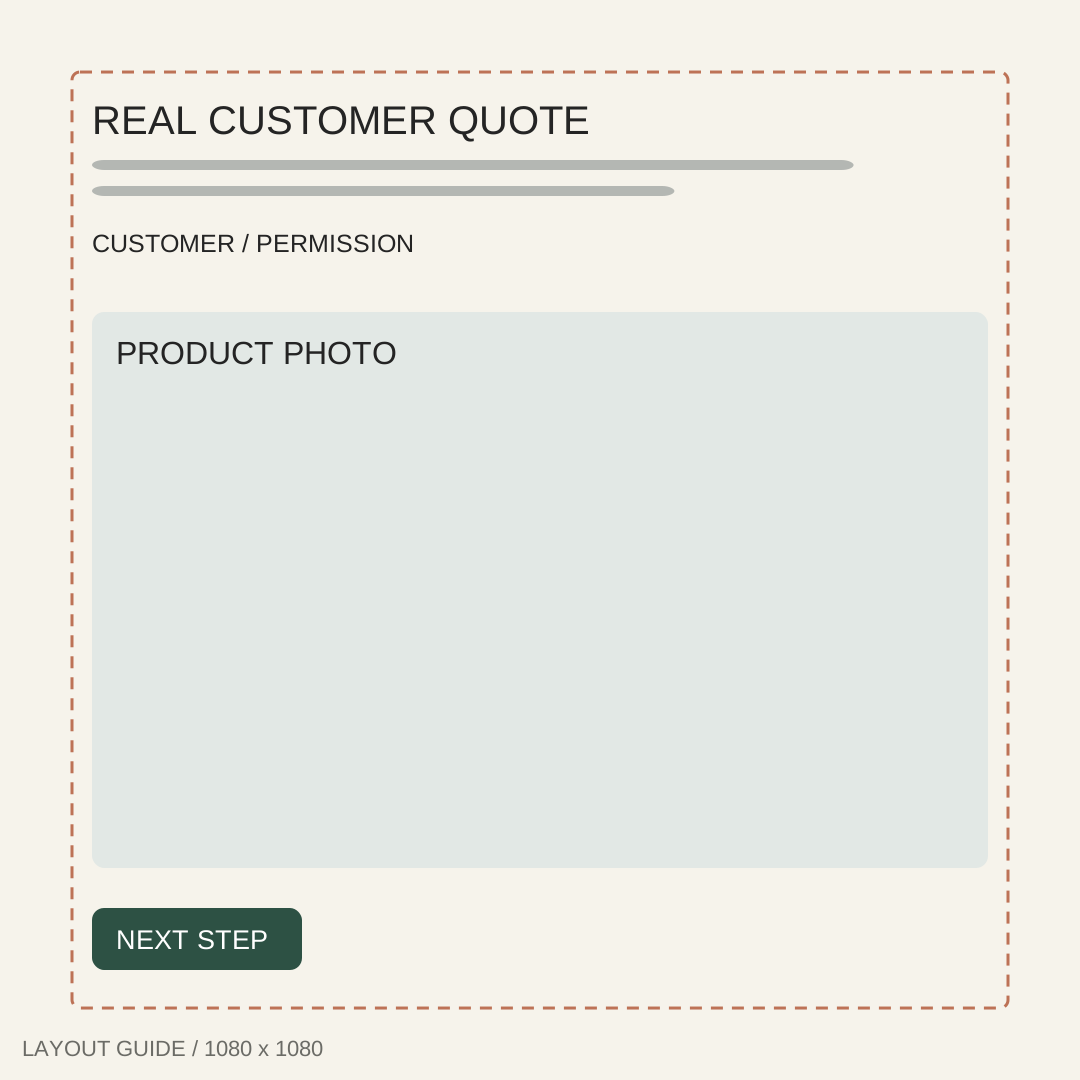
16. Customer quote ad template
1080 × 1080 px
Best for: One authorized customer quotation tied to a specific product benefit.
Text-safe zone: Quote and attribution above the image; 72px edges.
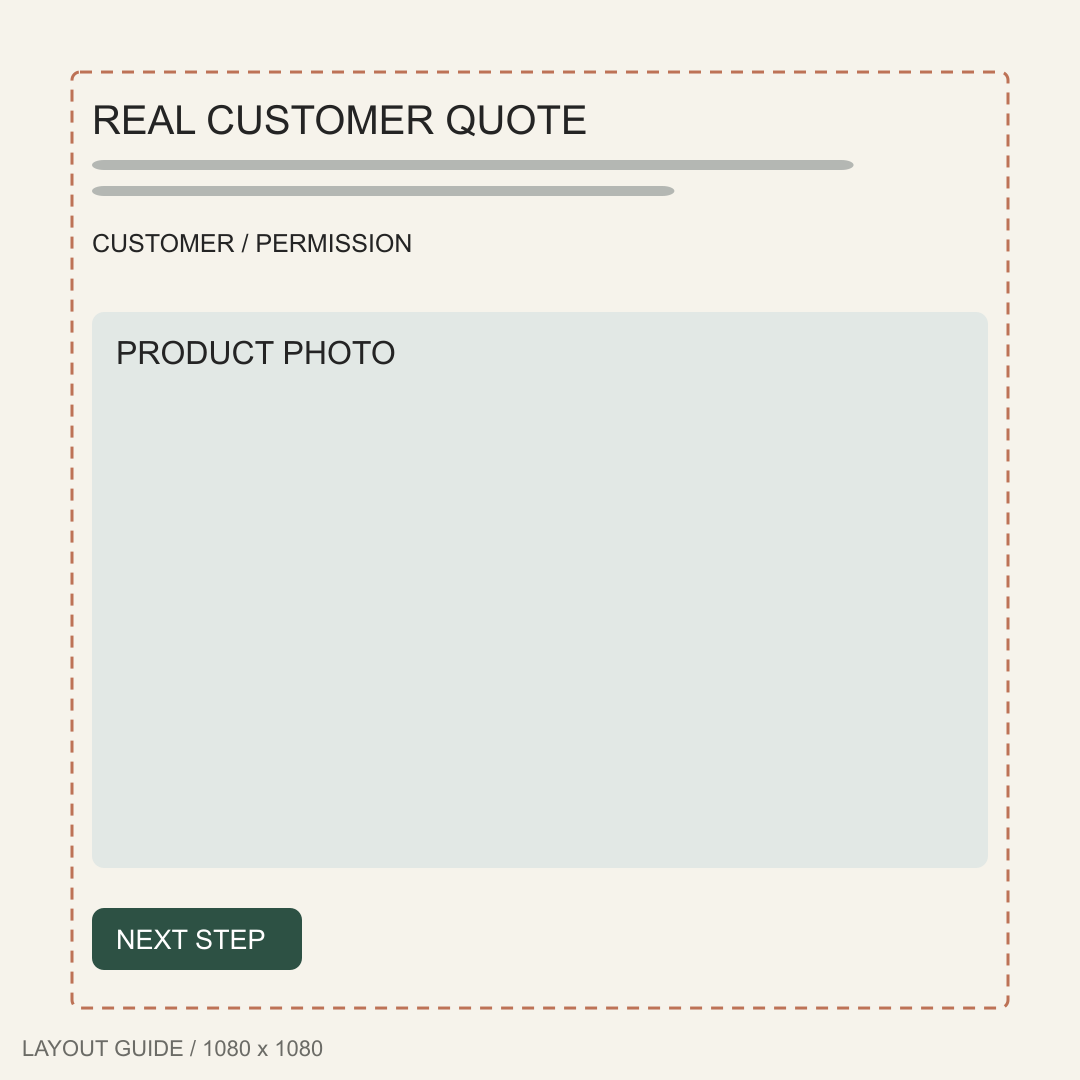
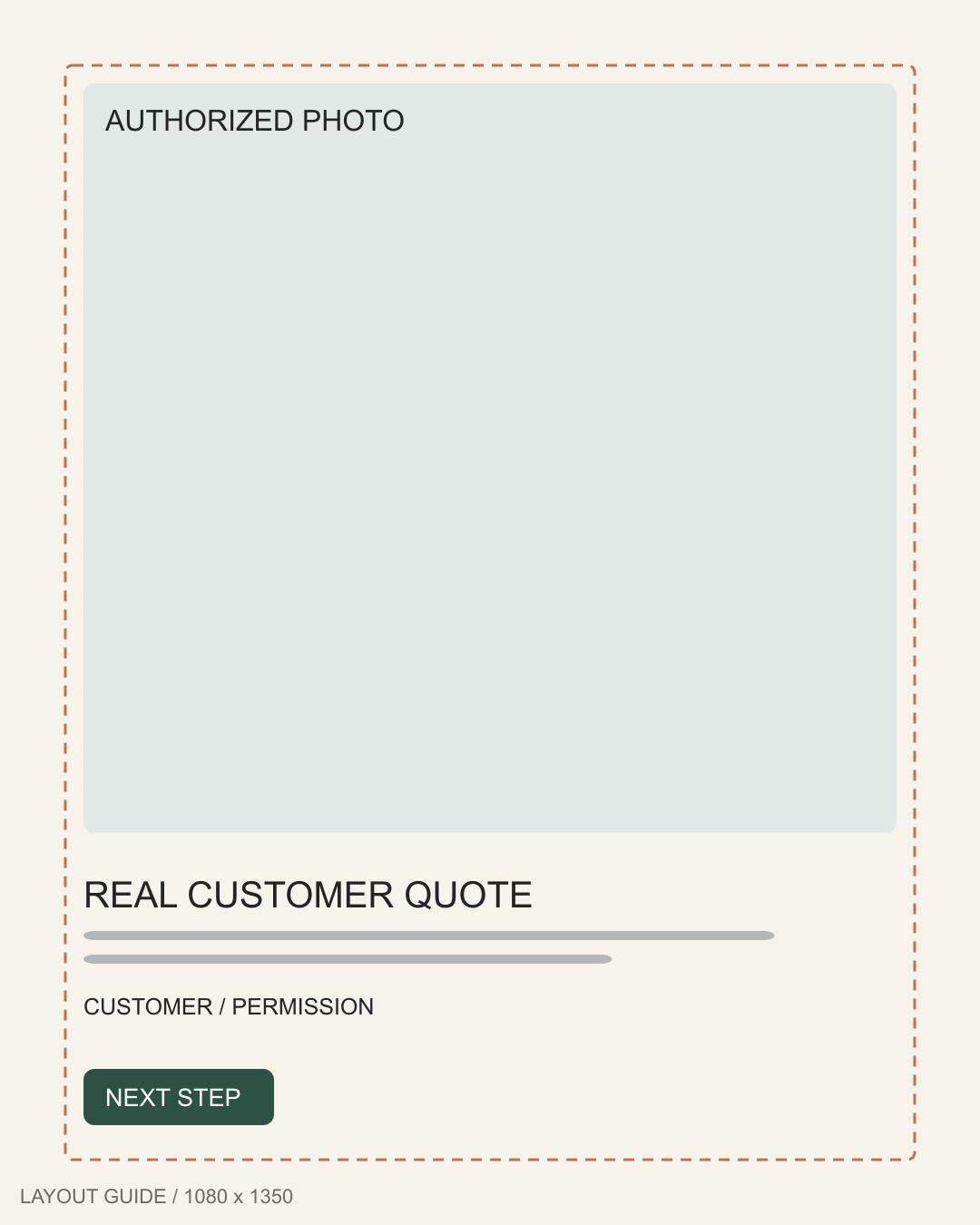
17. Customer portrait template
1080 × 1350 px
Best for: A real customer photograph used with permission alongside their feedback.
Text-safe zone: Feedback below the portrait; preserve 72px borders.
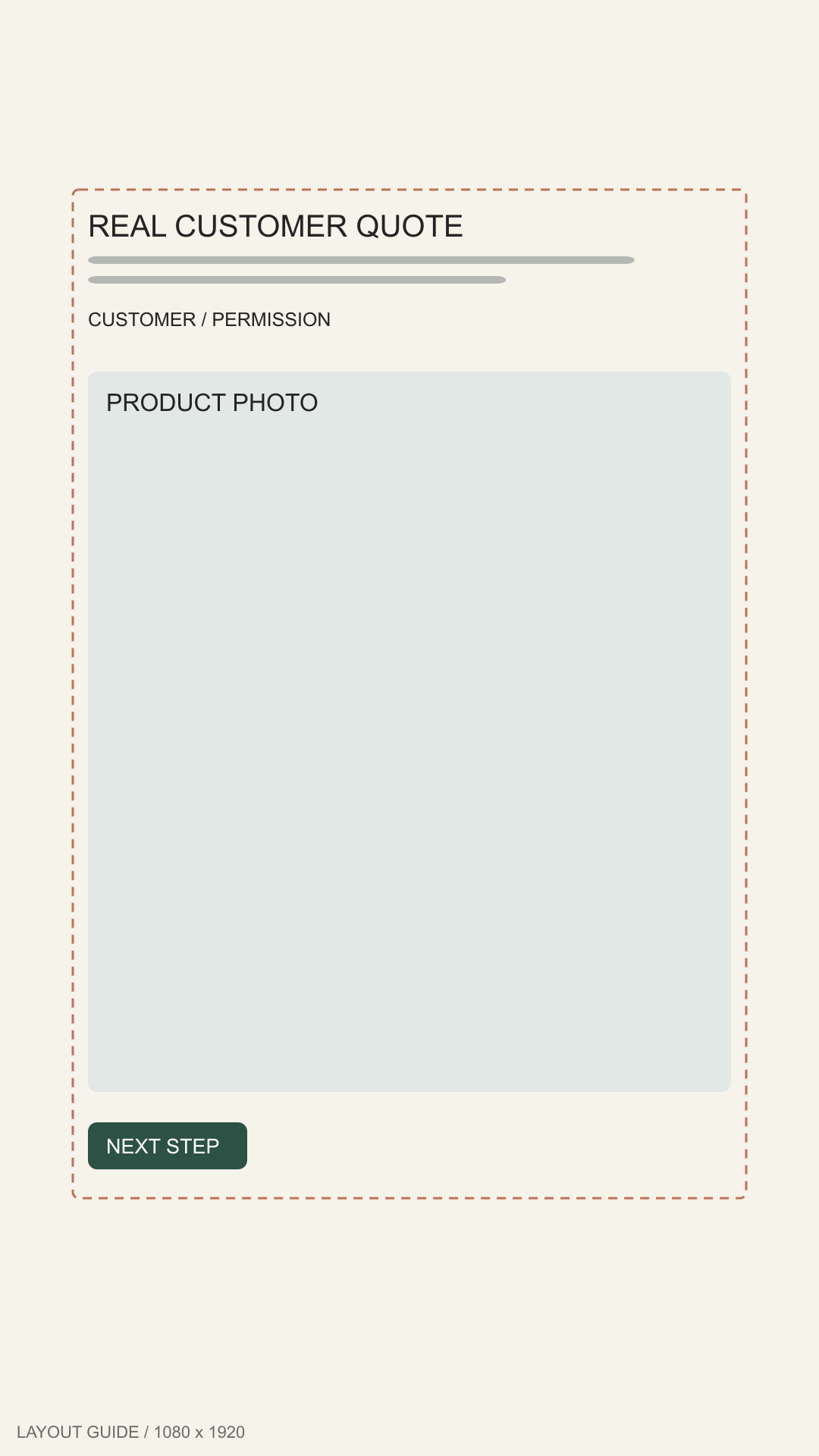
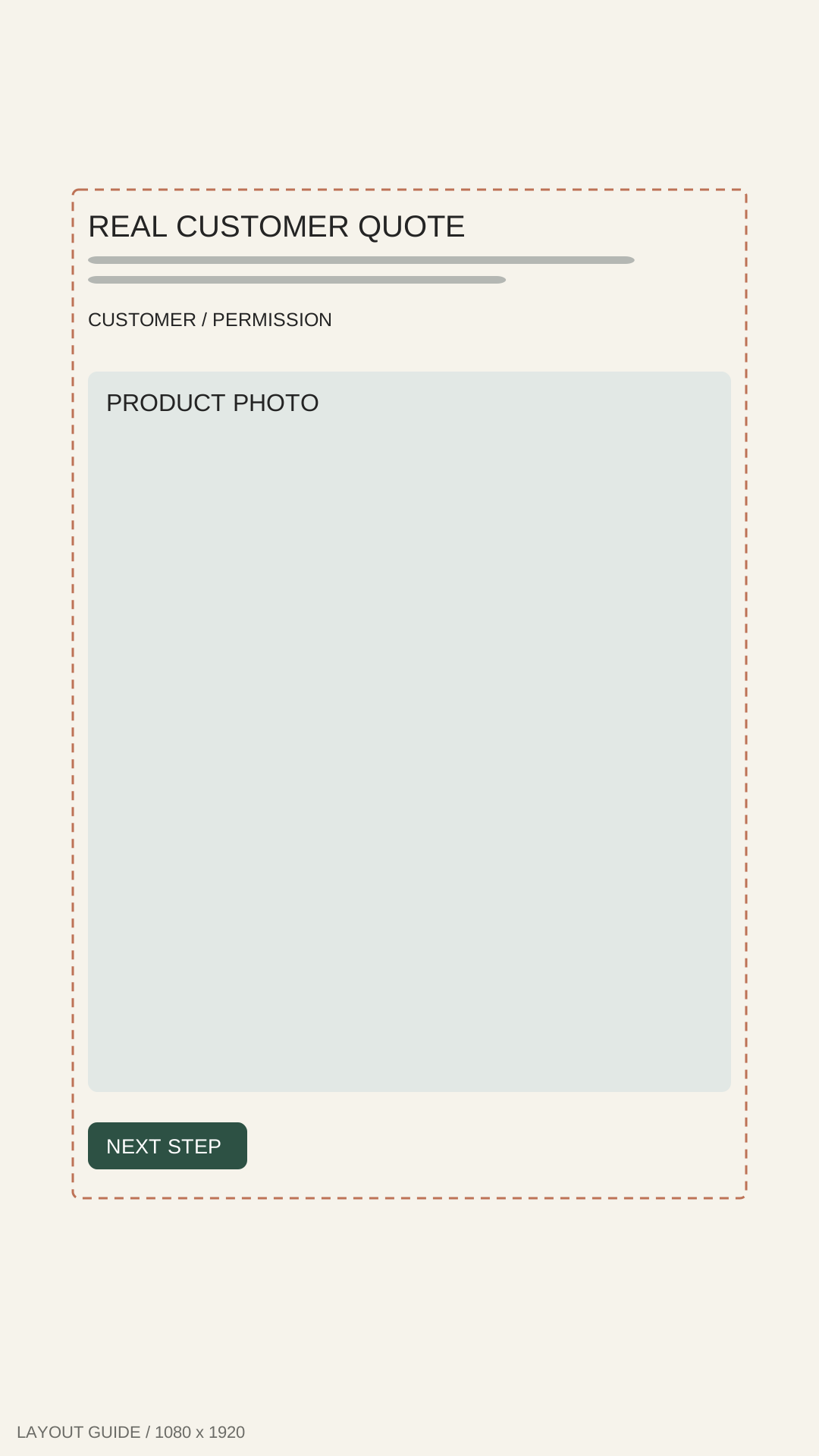
18. Stories testimonial template
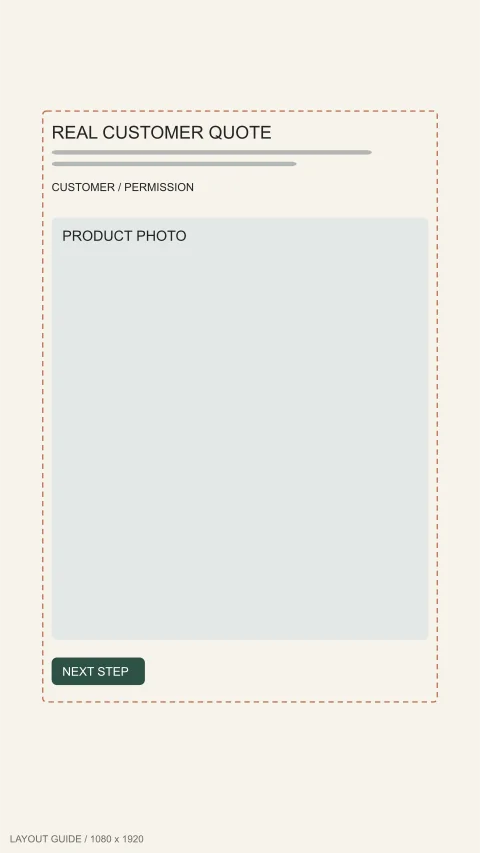
1080 × 1920 px
Best for: A short, attributed testimonial readable on a full-height phone screen.
Text-safe zone: Quote inset: 96px sides, 250px top, 340px bottom.
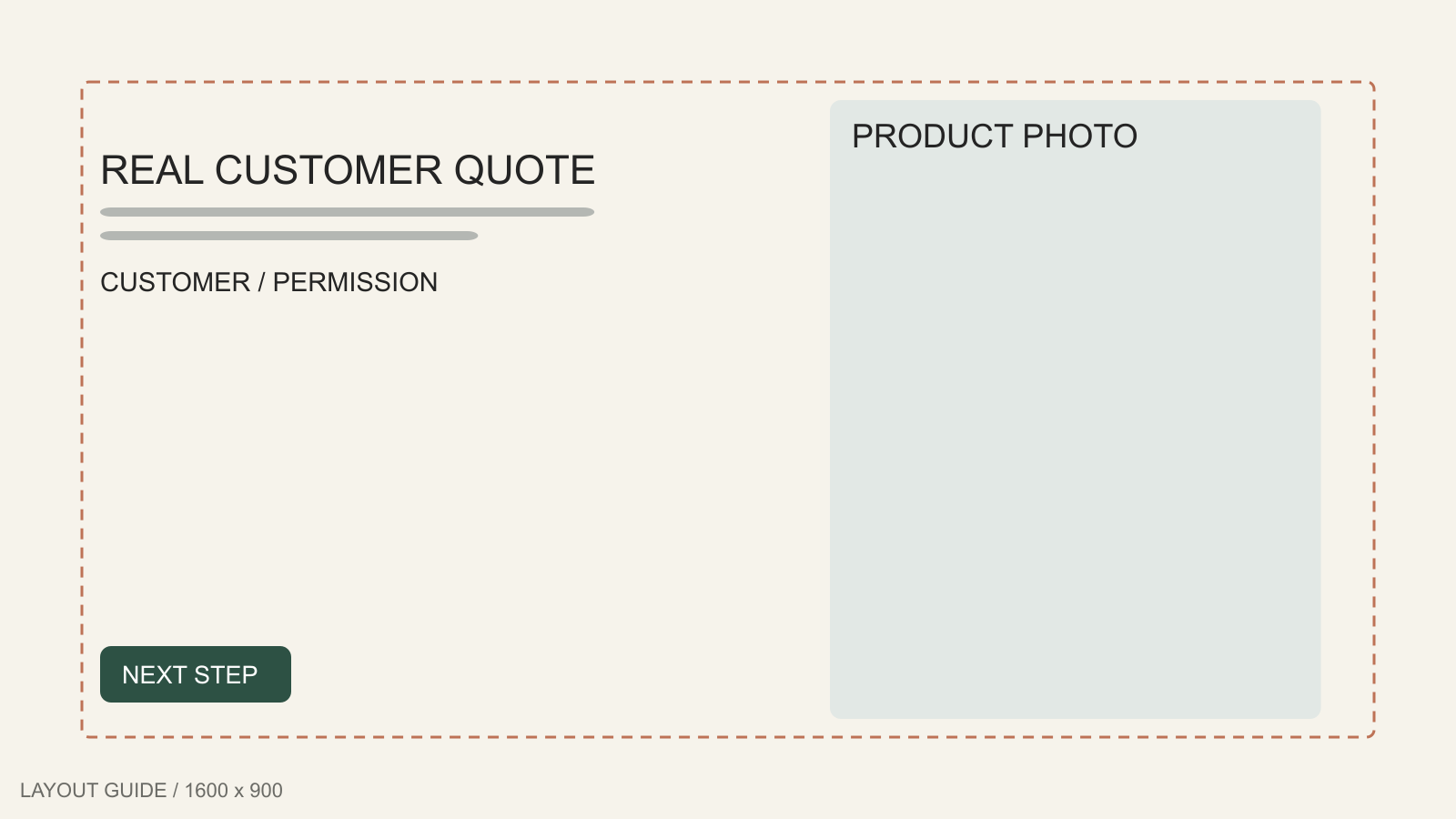
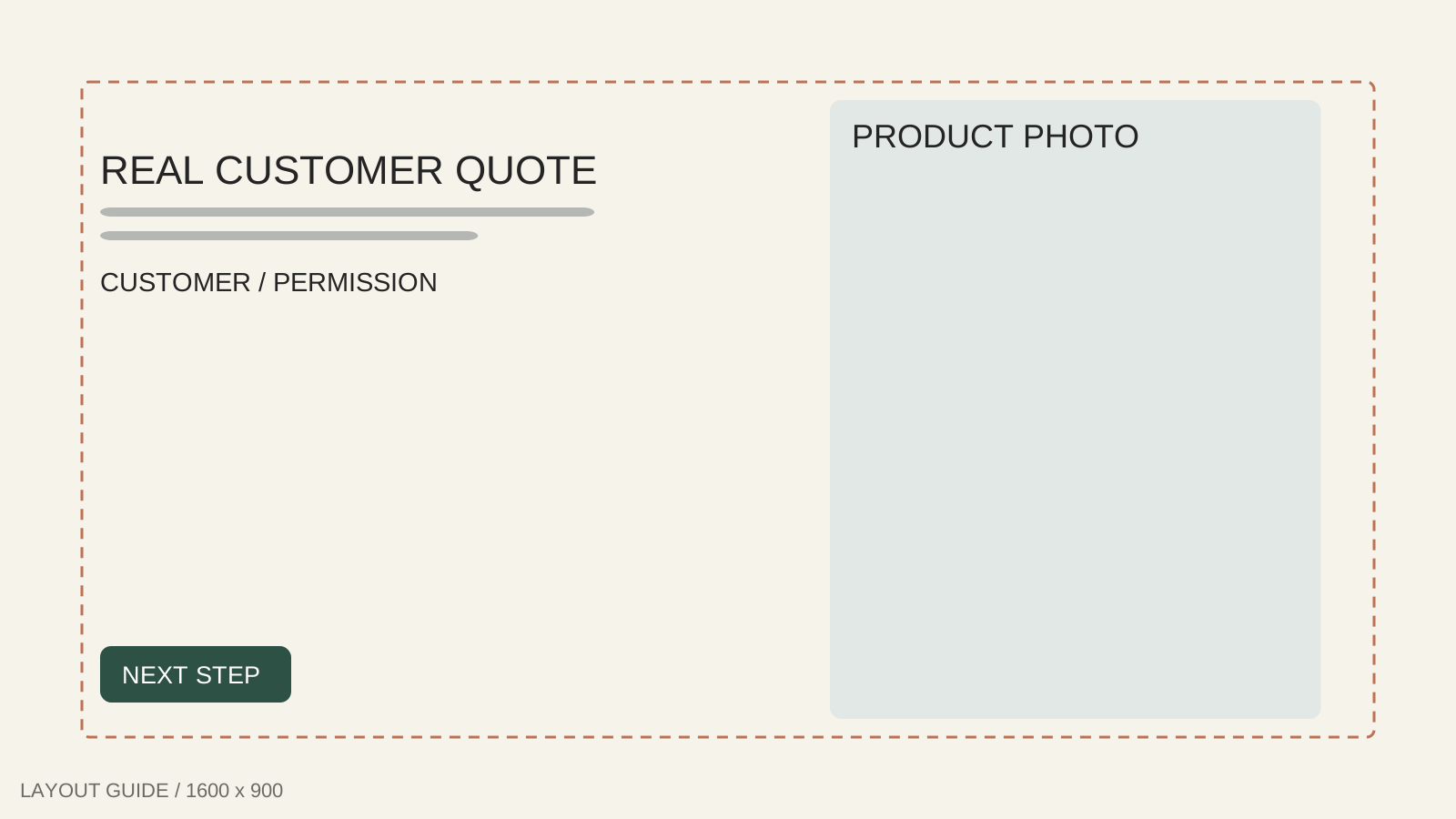
19. Landscape review template
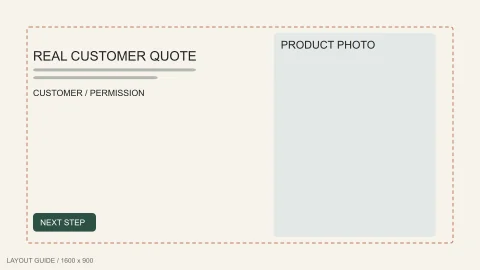
1600 × 900 px
Best for: A compact review and product image arranged for a landscape placement.
Text-safe zone: Testimonial left of the image; 90px perimeter.
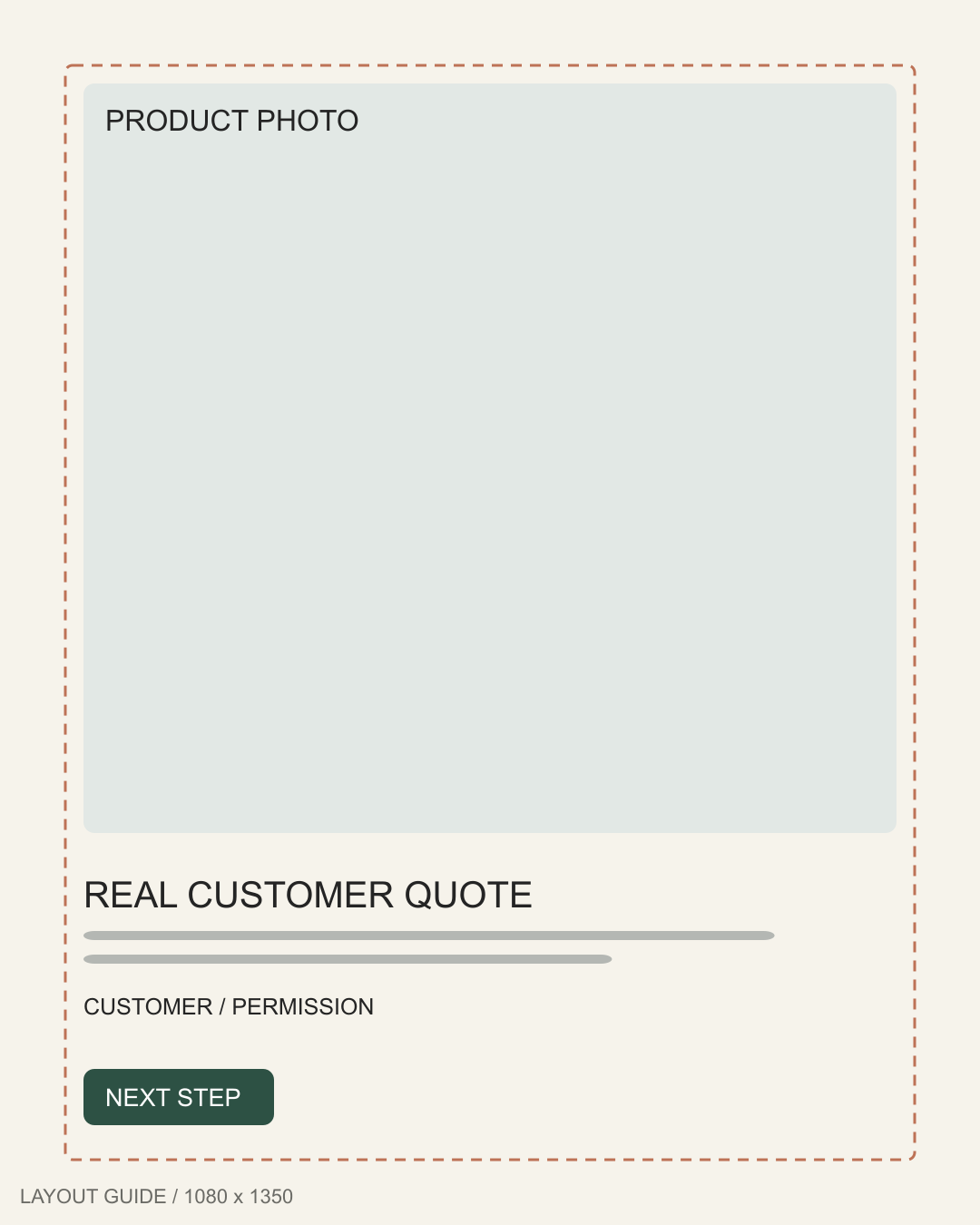
20. Product and review template
1080 × 1350 px
Best for: Product-led storytelling with a small, legible piece of genuine feedback.
Text-safe zone: Review beneath the product; leave 72px outside.
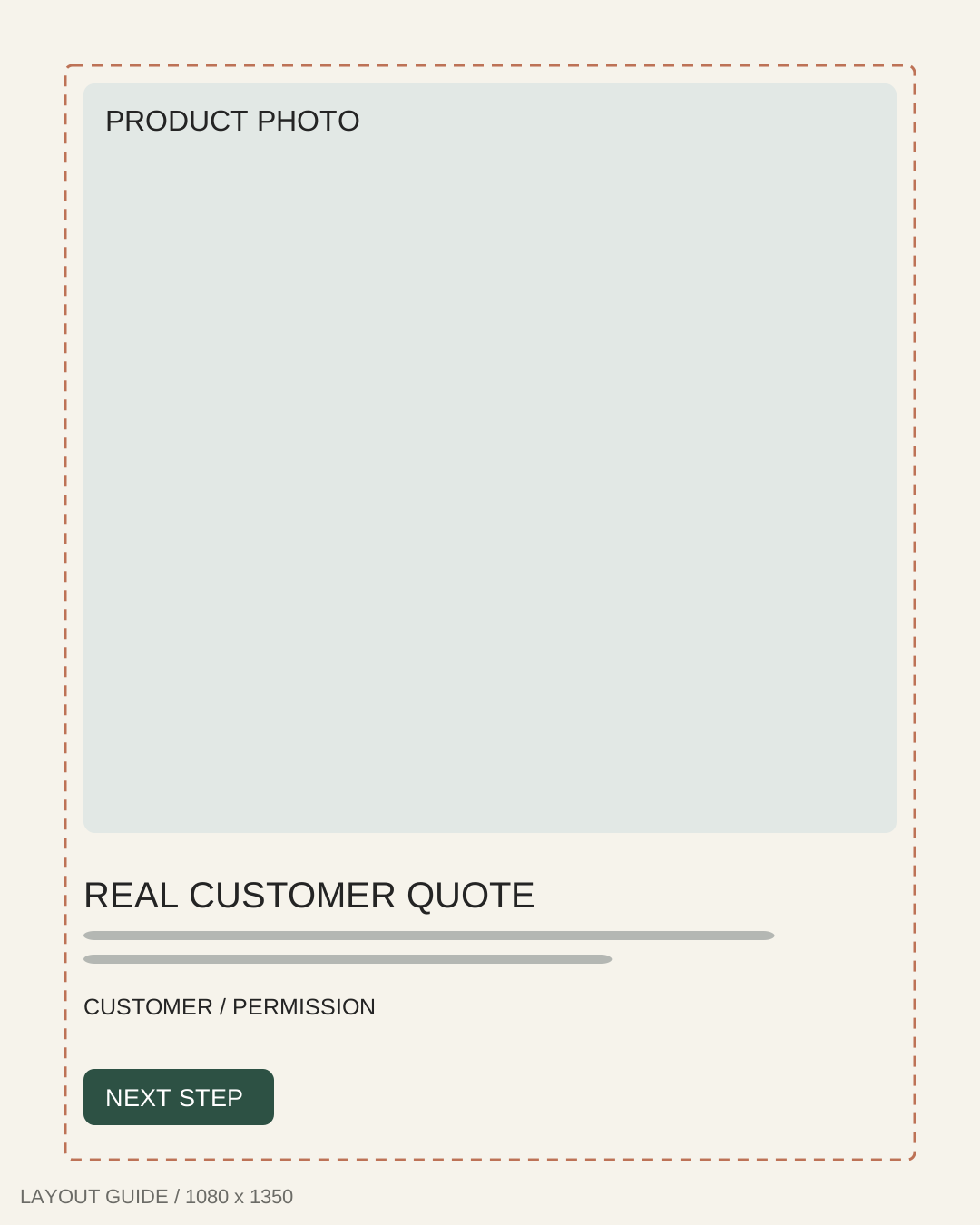
Adapt static ads templates in 3 steps
- Replace the picture. Use your product photo without stretching its silhouette or packaging.
- Replace the wording. Choose one benefit and next action. Borrow structures from the ad copy examples, not competitors' claims.
- Check size and safe areas. Verify pixels and mobile crop, remove guide labels and dashed outlines, then inspect the platform preview. Save a version per placement.
When to use static ads templates or a generator
The best static ads templates leave room for your actual product and message. Use them when you have assets and time to arrange them. For a finished creative, try the AI ad maker: provide a product photo and approved wording, choose a ratio, then review the result. ShopToAds exports flattened images, not layered SVG projects.
Static ads templates FAQ
Are static ads templates free?
Yes. These 20 static ads templates are free to download as PNG and SVG, without an account. Adapt the layouts for personal or commercial work using your own authorized images and copy. Generator use is separate.
What size should a static ad be?
Choose the intended placement first. These guides include 1080×1080, 1080×1350, 1080×1920 and 1600×900 canvases. These are layout starting points, not universal platform requirements. Check the current placement specifications, export settings and crop preview before publishing.
Can I use these templates in Figma?
Yes. Download the SVG and bring it into a Figma Design file as a starting layout, then replace the labeled areas and check the frame dimensions. The PNG is a flat reference; these downloads are not a native Figma component library.
For Figma static ads projects, see Figma's import guide. Read what static ads are for the format, and browse static ads examples for finished creative inspiration.
Have the right copy? Bring your product image and approved wording to ShopToAds, then generate a finished static ad to review and download.
Turn image and copy into an adAuthor

Categories
More Posts
Ad Copy Examples
15 real ad copy examples from ecommerce brands — headline, primary text and CTA broken down, plus the reusable patterns behind each one.

What Are Static Ads? Definition, Formats, and Examples
Learn what static ads mean, how still-image ads differ from video and dynamic ads, and how to create ecommerce ad creatives from product photos.